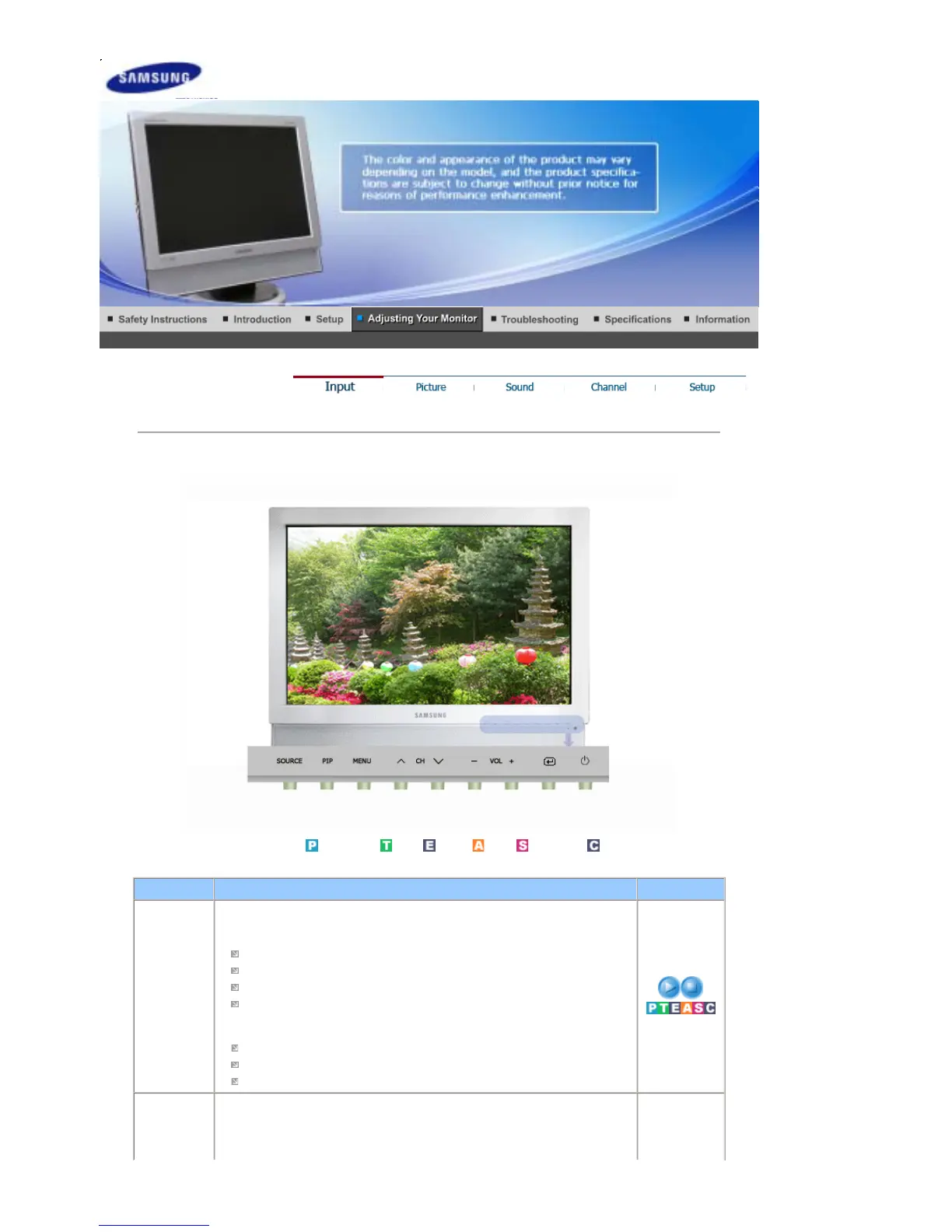
Input
Available Source
List
: PC /
DVI
:
TV
:
Ext.
:
AV
: S-
Video
:
Component
OSD Description Play/Stop
Source List Use to select PC or other external input sources connected to the Monitor.
Use to select the screen of your choice.
- The direct button on the remote control is 'SOURCE' button.
PC
DVI : HDCP supported
TV
Ext.
It is connected to the EXT(RGB) jack of the monitor and the TV or Video
signal is input/output through this jack.
AV
S-Video
Component
PIP When external A/V devices such as VCRs or DVDs are connected to the
monitor, PIP allows you to watch Video from those devices in a small window
super-imposed on the PC Video signal. (On/Off)
When PIP is in operation, the sound in PIP Source will be selected.








 To Next Page