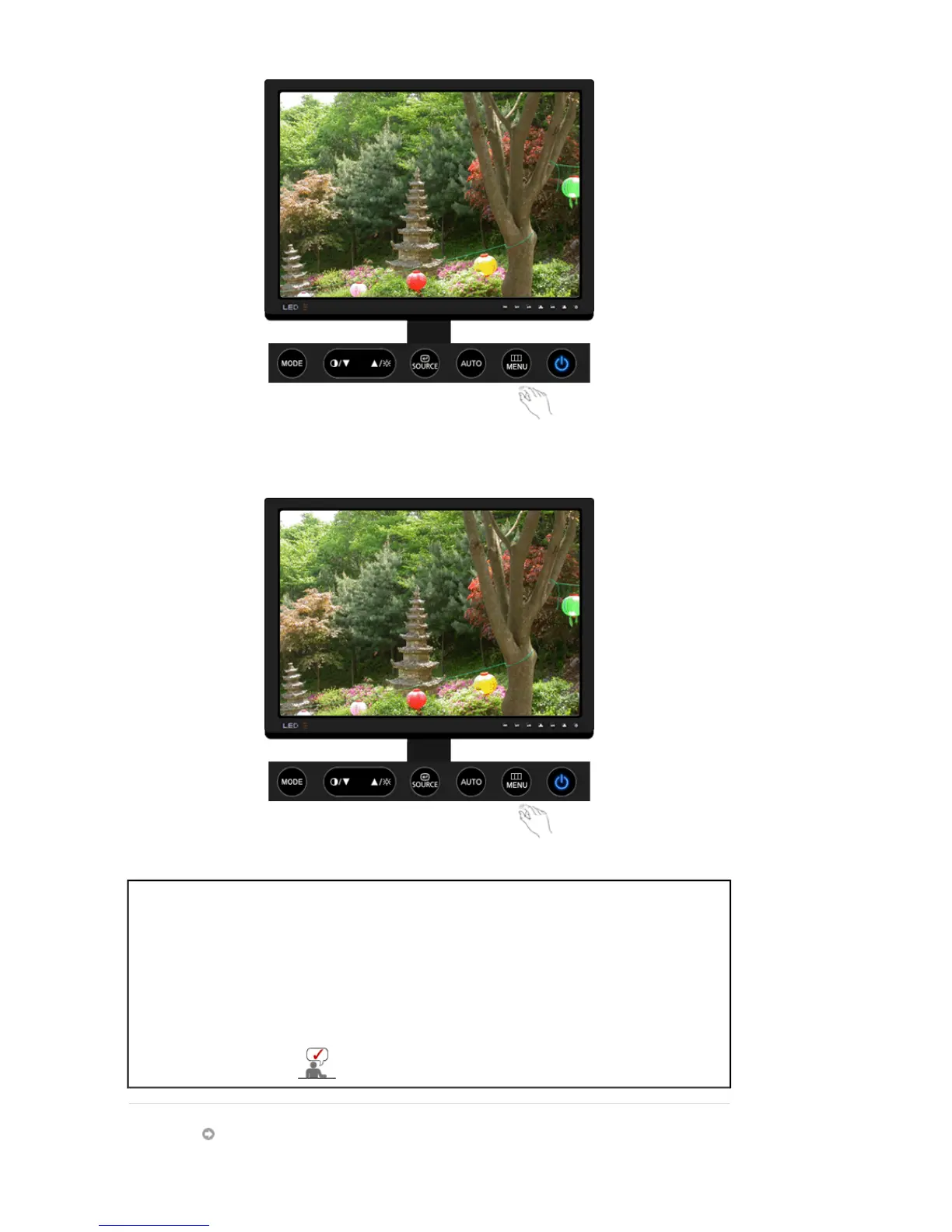
- MENU button
Menu Description
Locked
This is the function that locks the OSD in order to keep the current states of
settings or prevent others from adjusting the current settings.
Lock
: Hold down the MENU button for more than five (5) seconds to
activate the OSD adjustment lock function.
Unlock
: Hold down the MENU button for more than five (5) seconds to
deactivate the OSD adjustment lock function.
You can adjust only the brightness and contrast of the
monitor with the OSD adjustment locking feature.
Contrast













 To Next Page