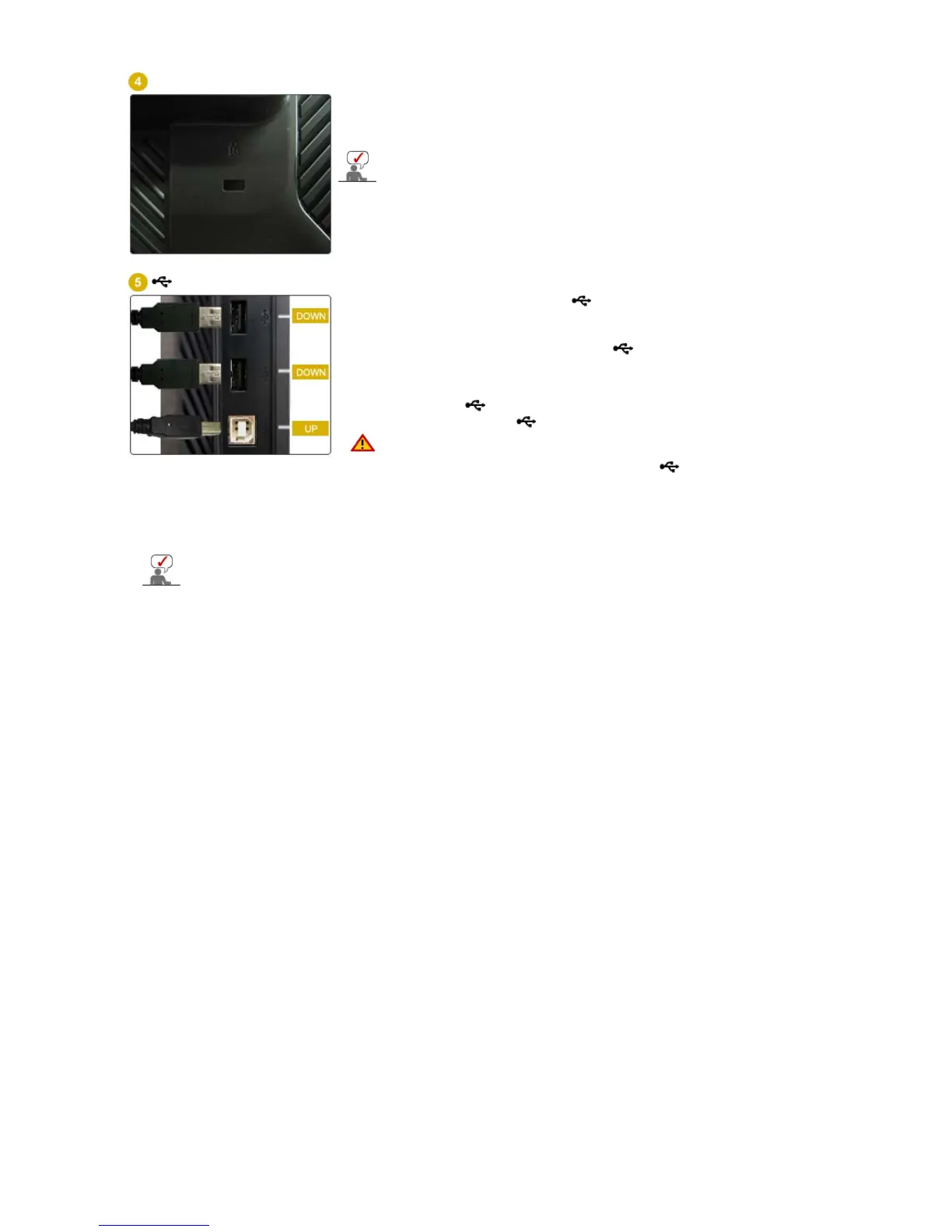
Kensington Lock
The Kensington lock is a device used to physically fix the system
when using dit in a public place.
(The locking device has to be purchased separately.)
For using a locking device, contact where you purchase it.
USB connection terminal
UP (USB upstream port):
Connect the
UP
port of the monitor
and the USB port of the computer with the USB cable.
DOWN (USB downstream port):
Connect the
DOWN
port of
the USB monitor and a USB device with the USB cable.
z
To use DOWN (Downstream Port), you have
to connect the UP (Upstream Cable ) to the
PC.
z
Make sure to use the USB cable supplied with
this monitor to connect the monitor's UP port
and your computer's USB port.
See Connecting the Monitor for further information regarding cable connections.













 To Next Page