EasyManua.ls Logo

Samsung SyncMaster 3 - User Manual

Samsung SyncMaster 3
18 pages
Print Icon
To Next Page IconTo Next Page
Loading...
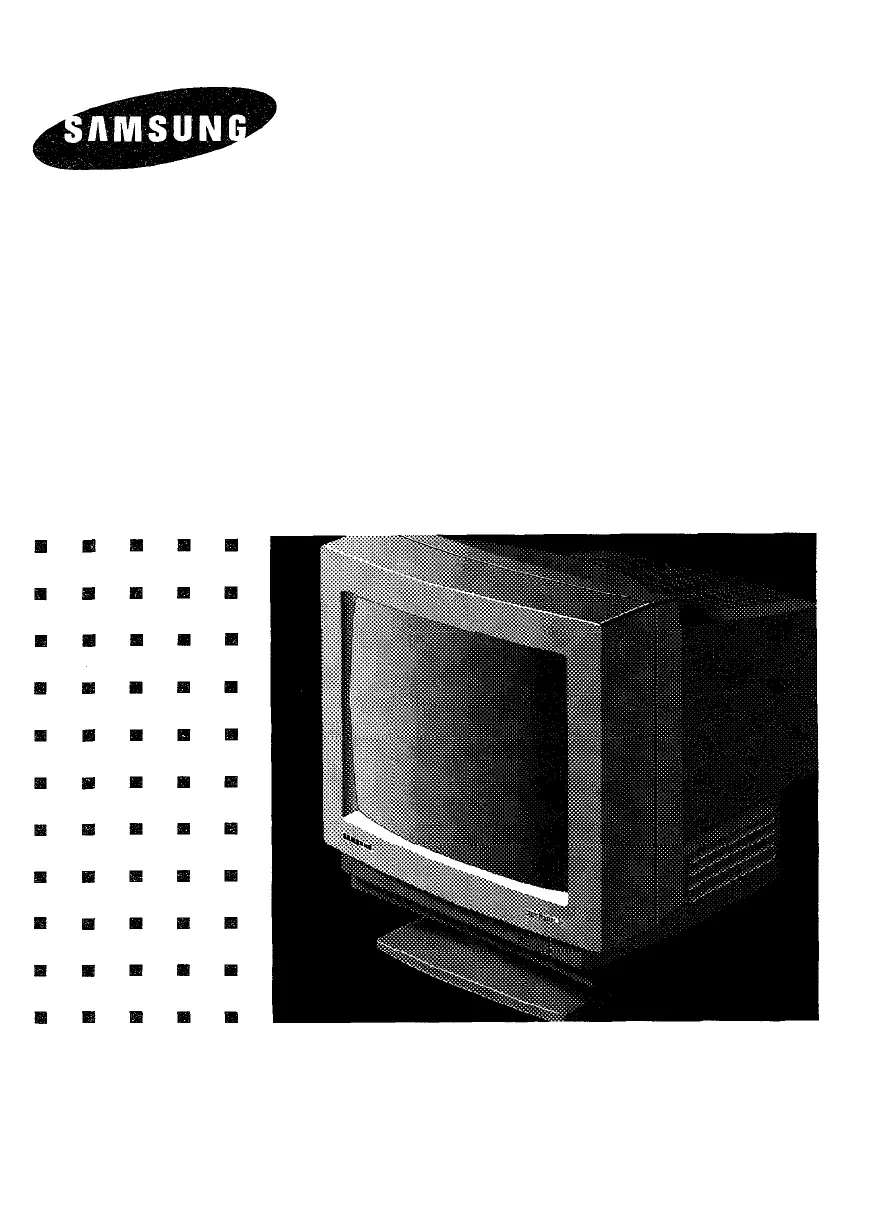
SyncMaster 3
36 Cm ( 14” Diagonal )
Basic:CQA4147
CQA4147L
User’s Manual
COLOR DISPLAY UNIT

Questions and Answers

  • N
    nelsonjamieJul 31, 2025
    How to fix a Samsung SyncMaster 3 Monitor when the image is not displayed?
    • M
      mark79Jul 31, 2025
      If your Samsung Monitor isn't displaying an image, ensure the power cord is securely connected and the power switch is turned on. Verify that the signal cable is correctly connected. Also, adjust the Brightness and Contrast settings to the middle position of their range.
  • W
    williamsmatthewAug 7, 2025
    Why is the color of the image on my Samsung Monitor screen abnormal?
    • T
      Tony SpencerAug 7, 2025
      Abnormal colors on your Samsung Monitor screen can be due to a magnetized item nearby. Move any such items away from the monitor. Ensure you're using a signal connector that matches the pin arrangement and that the signal cable is correctly connected.
  • C
    Charles ClarkeAug 14, 2025
    What to do if the picture on my Samsung Monitor is unstable?
    • S
      sara67Aug 14, 2025
      If the displayed image on your Samsung Monitor is tearing or rolling, ensure that the input signals are within the monitor's frequency range. Also, verify that you are using the correct signal connector that matches the pin arrangement and that the signal cable is properly connected.
  • B
    bakerdavidAug 22, 2025
    Why is the displayed image on my Samsung SyncMaster 3 Monitor too small or shifted?
    • B
      bhillAug 22, 2025
      If the displayed image on your Samsung Monitor is too small or shifted and the controls are not adjusting properly, it may be due to signals outside of the required frequency range. Make sure that the input signals are within the supported frequency range of the monitor.

Summary

INTRODUCTION

FOREWORD

Thanks for purchase, manual coverage, and advice on safe storage for future reference.

PRODUCT FEATURES

Details the 14" CRT, dot pitch, scanning frequencies, compatibility, controls, power supply, and power management.

MPR II COMPLIANCE

States compliance with SWEDAC (MPR II) recommendations for reduced electric and magnetic fields.

FCC, IC, AND SAFETY INFORMATION

FCC INFORMATION

Equipment tested to comply with FCC Class B limits to provide protection against harmful interference in residential installations.

INFORMATION TO USER

Guidance on modifications, consulting dealers, and availability of FCC interference resolution booklet.

WARNING: POWER CABLES

Mandates use of properly shielded power supply and interface cables, and correct NEMA plug types for voltage applications.

IC COMPLIANCE NOTICE

Confirms apparatus meets Canadian Interference-Causing Equipment Regulations (ICES-003).

WARNING SYMBOLS

Explains warning symbols: lightning flash for dangerous voltage and exclamation point for important instructions.

SAFETY TIPS

GENERAL SAFETY GUIDELINES

Provides 14 essential tips covering electrical safety, ventilation, environment, handling, maintenance, and usage precautions.

OPERATING GUIDE

CONNECTING TO YOUR COMPUTER

Step-by-step instructions for connecting the monitor to IBM compatible analog display adapters like VGA, 8514/A, XGA.

CONTROL LOCATIONS AND FUNCTIONS

FRONT PANEL CONTROLS

Identifies and illustrates front view controls: Power Switch, Brightness, Contrast, H/V Position, H/V Size, and Side Pin Controls.

CONTROL DESCRIPTIONS

Details the function of each control for adjusting brightness, contrast, picture position, size, and distortion.

POWER MANAGEMENT SYSTEM

DPMS POWER SAVING MODES

Explains power saving function based on DPMS standard, including Suspend and Power-off modes, LED status, and power consumption.

SIGNAL CONNECTIONS AND PIN ASSIGNMENTS

D-SUB CONNECTOR PINOUT

Details the 9-pin D-SUB connector pin assignments for video signals like RED, GREEN, BLUE, H-SYNC, and V-SYNC.

TROUBLESHOOTING

COMMON ISSUES AND SOLUTIONS

Provides a chart for common problems like no display, abnormal color, or unstable picture, with possible causes and corrective measures.

SPECIFICATIONS

APPENDIX

SIGNAL TIMING CHART

Presents a table of signal timing parameters for various IBM and VESA display modes, including frequencies and timings.

Samsung SyncMaster 3 Specifications

General IconGeneral
BrandSamsung
ModelSyncMaster 3
CategoryMonitor
LanguageEnglish

Related product manuals