25Learn About YourDevice
Enter Text
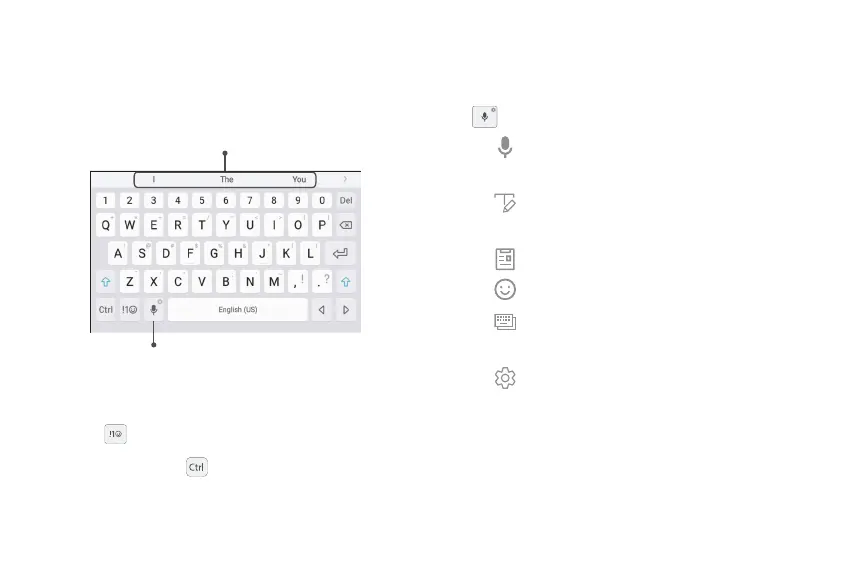
Text can be entered using an on‑screen keyboard or
your voice.
Predictive text
Options
► Tap a field to display the Samsung keyboard.
•
Tap Symbol to insert symbols.
•
Touch and hold Control for quick access to
cut (x), copy (c), paste (v), undo (z), redo (y), and
select all (a).
Option Keys
Use these special keys when entering text.
► From the Samsung keyboard, touch and hold the
Options key for the following:
•
Voice input: Enter text using Google Voice
™
typing.
•
Handwriting: Use your handwriting to enter
text.
•
Clipboard: Access the clipboard.
•
: Insert an emoticon.
•
Keyboard types: Change the layout of the
keyboard.
•
Keyboard settings: Access keyboard
settings.
Note: The Options key displays the last option used.












 To Next Page