27Learn About YourDevice
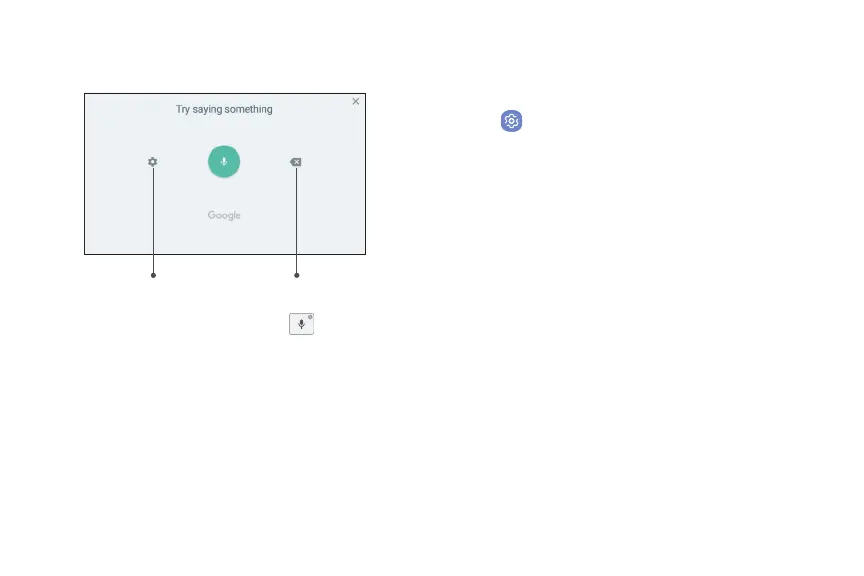
Use Google Voice Typing
Instead of typing, enter text by speaking.
Settings
Delete text
1. From the Samsung keyboard, tap Voice input
on the Samsung keyboard.
2. Tap the screen and speak your text.
Configure Google Voice Typing
Set customized options for Google Voice typing.
1. From a Home screen, swipe up to access Apps.
2. Tap Settings > General management >
> On-screen keyboard >
.
•
Languages: Select languages for Google voice
typing.
•
“Ok Google” detection: Launch a Google search
whenever you say “OK Google.”
•
Hands-free: Allow requests with the device
locked.
•
Speech output: Select options for spoken
feedback.
•
Offline speech recognition: Download and
install speech recognition engines, allowing you
to use voice input while not connected to the
network.












 To Next Page