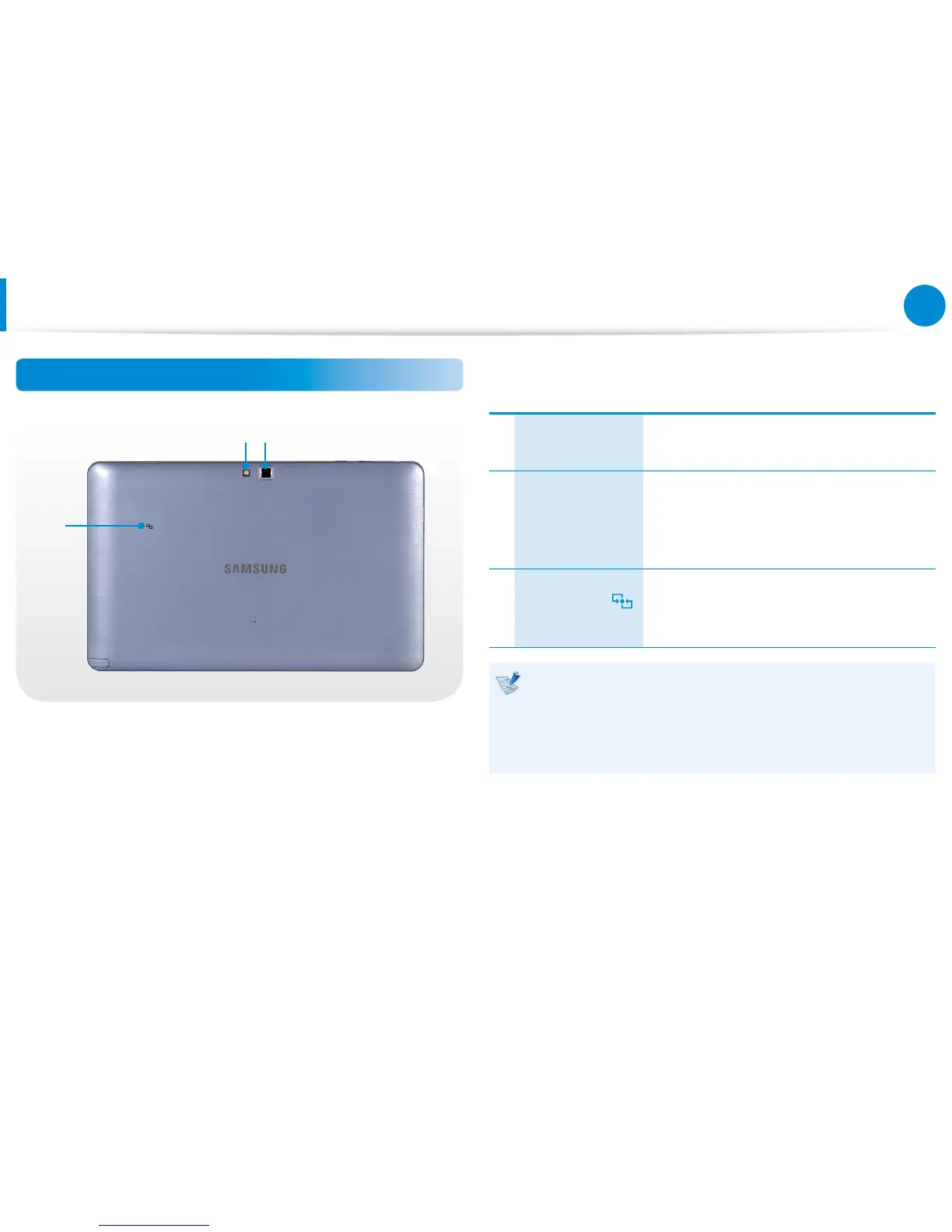
Rear View
21
3
1
Camera Flash
(Optional)
Used when taking photos.
2
Camera
(Optional)
Using this camera, you can take still pictures
and record video.
You can take a picture or make a movie
using the Charms > Start > Camera.
3
NFC Antenna
(Optional)
Provides NFC features for near eld
communication for various application
services.
If you replace the bottom of the product, the model name,
serial number and some logos etched into the bottom of the
product will no longer be there.
For more information, please ask for assistance from the
service center.
Overview









 To Next Page