Using the S Note app
(S Note, Optional, for corresponding models only)
You can design your note using various formats such as idea
writing, recipe, diary, travel sketch and so on.
Depending on the version of the program, some functions
may not be provided or dierent functions may be provided.
Creating a note
1
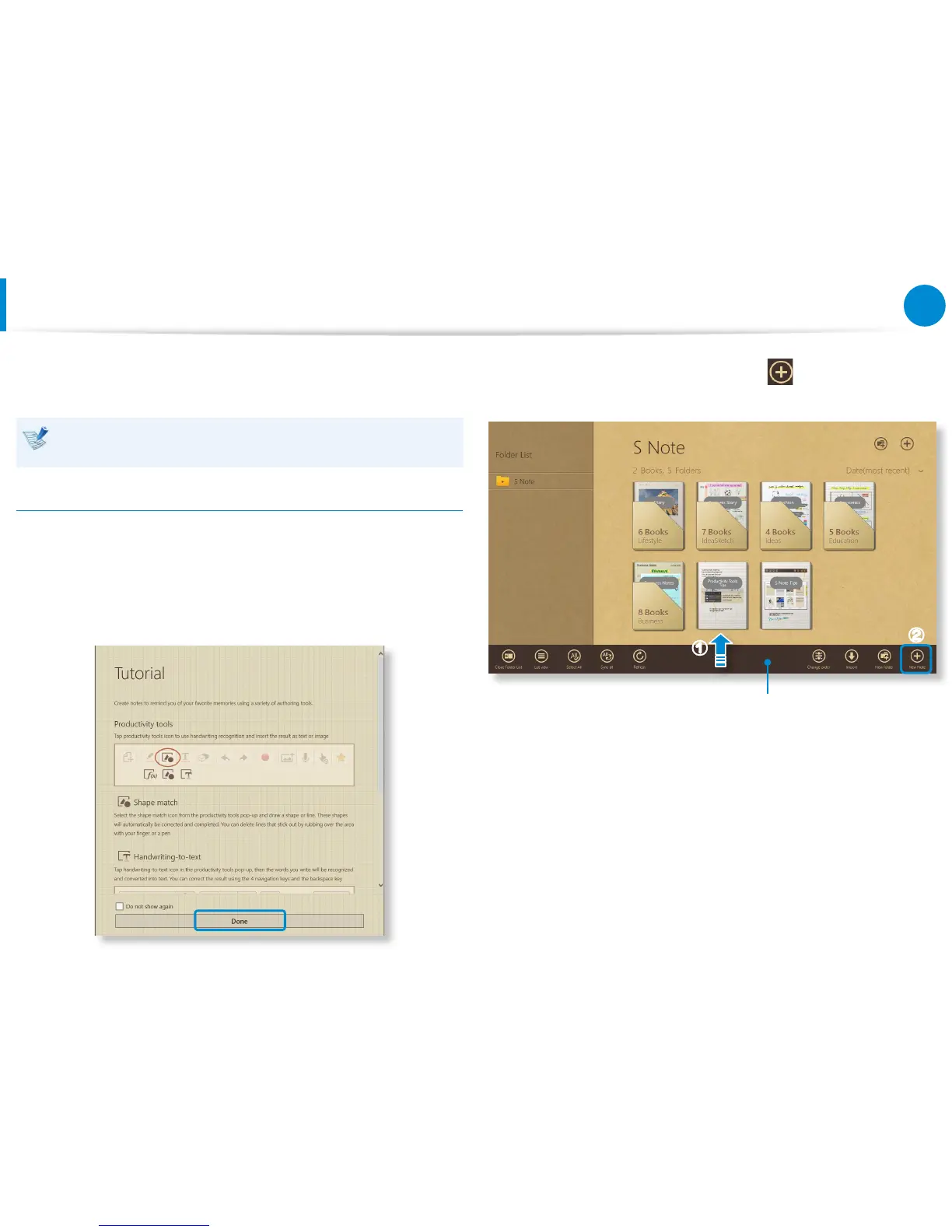
Select S Note in the Start screen.
2
The S Note app is launched and the S Note guide appears.
Tap Finish.
3
From the Appbar, tap the New note .
Appbar
z
x









 To Next Page