The Scroll Function
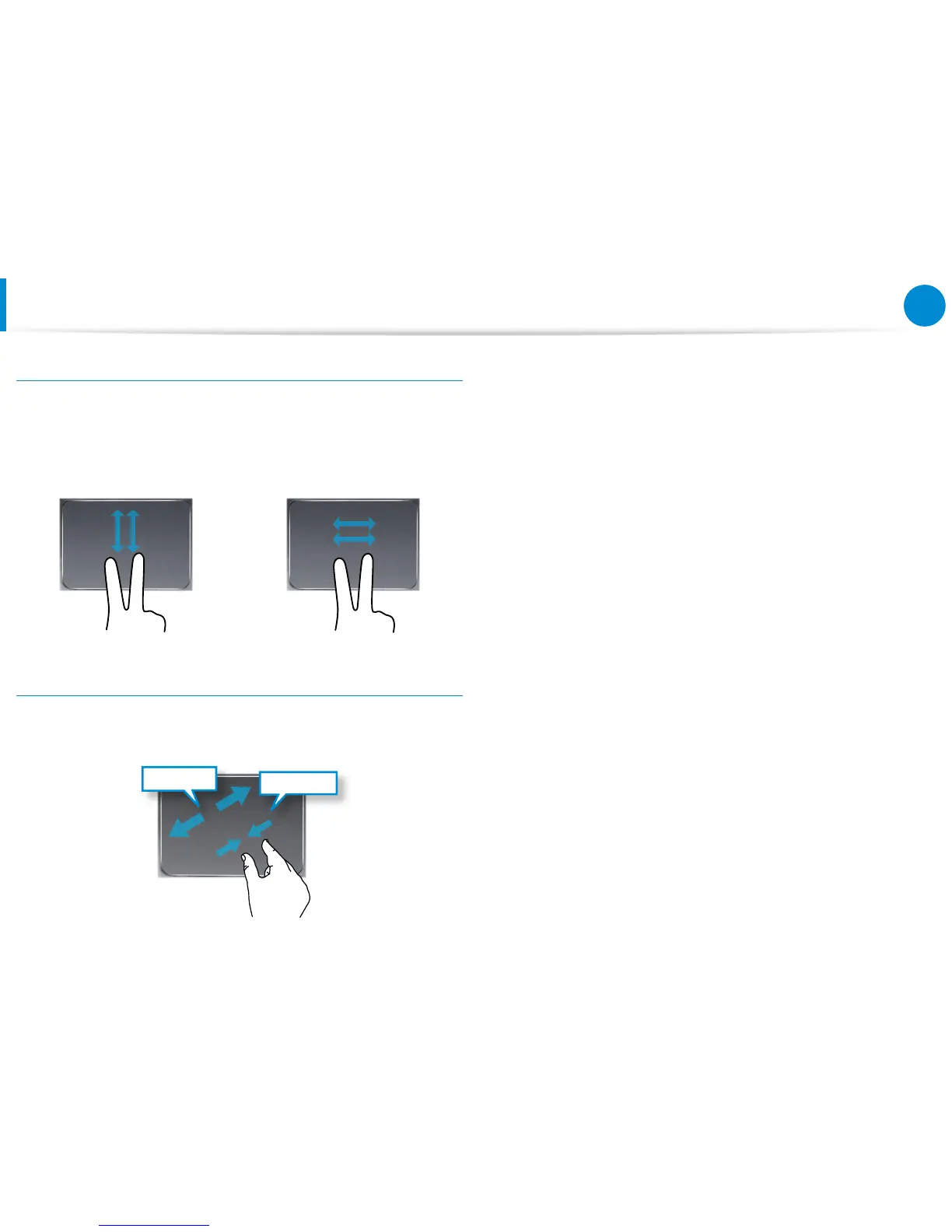
This function is the same as the scroll area of the Touchpad.
If you place two ngers over the Touchpad and move them up,
down, left or right, the screen is scrolled up, down, left or right
accordingly.
or
Zoom Functions
If you place two ngers over the Touchpad together or apart, the
current image or text is zoomed in or out.
Zoom-out
Zoom-in
or
Using the Keyboard Dock
(Optional)









 To Next Page