Diagnosing the Computer Status and Troubleshooting
The Support Center program, which is Samsung’s computer’s
troubleshooting guide, supports diagnosing the system and has a
FAQ for frequently occurring problem(s).
Support Center may not be provided or may be a dierent
version depending on the model.
1
Right-click over the Start screen.
Click Support Center in the All Apps menu item.
2
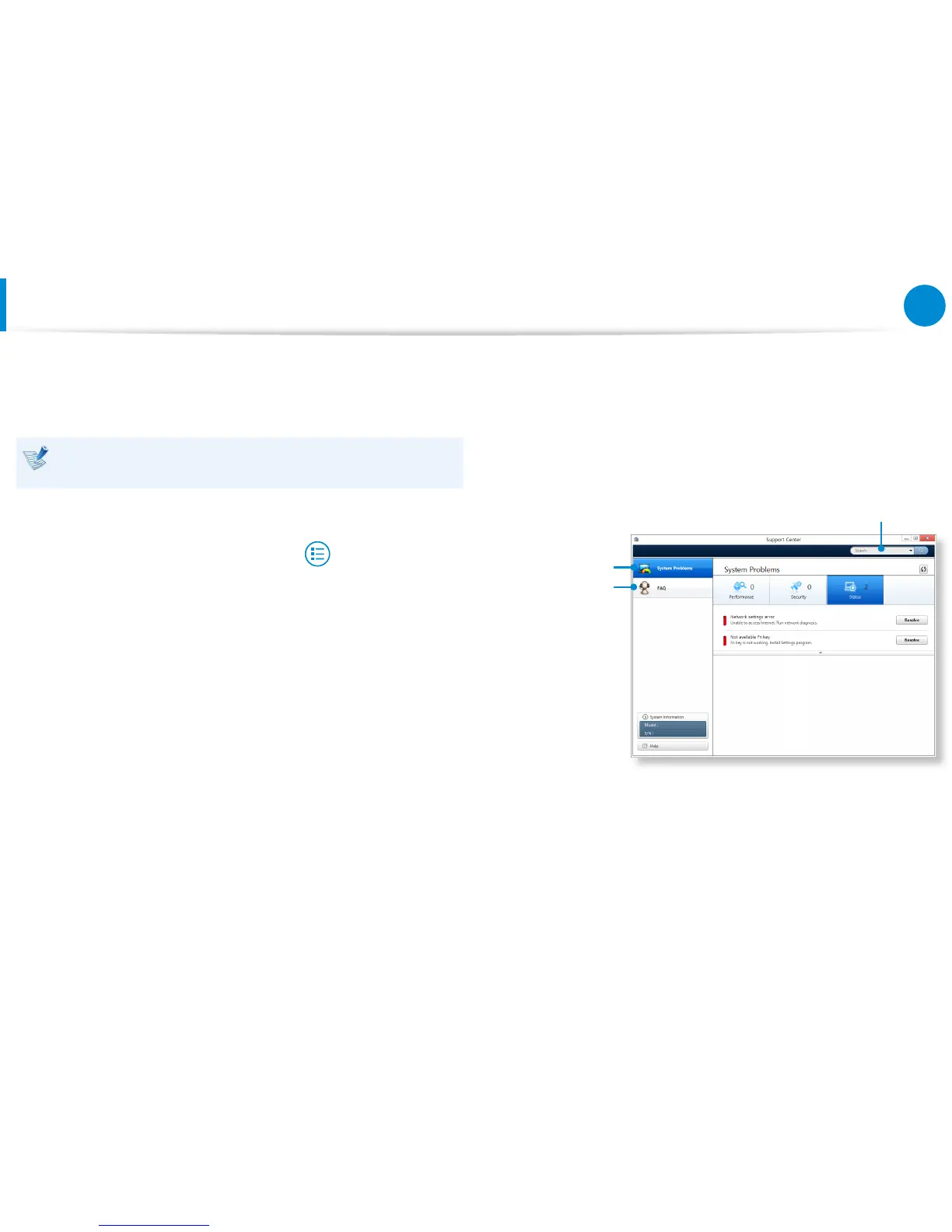
Support Center is activated and starts diagnosing your
computer.
After the diagnosing process is nished, the System Status
menu displays a list of the current problems to be solved as
shown.
FAQ for
computer’s
major problems
Diagnosing
Computer and
Troubleshooting
Searching for
computer’s problems
3
You can solve a problem by clicking the Troubleshoot button
for the problem.









 To Next Page