Using the S Note app
(S Note, Optional, for corresponding models only)
4
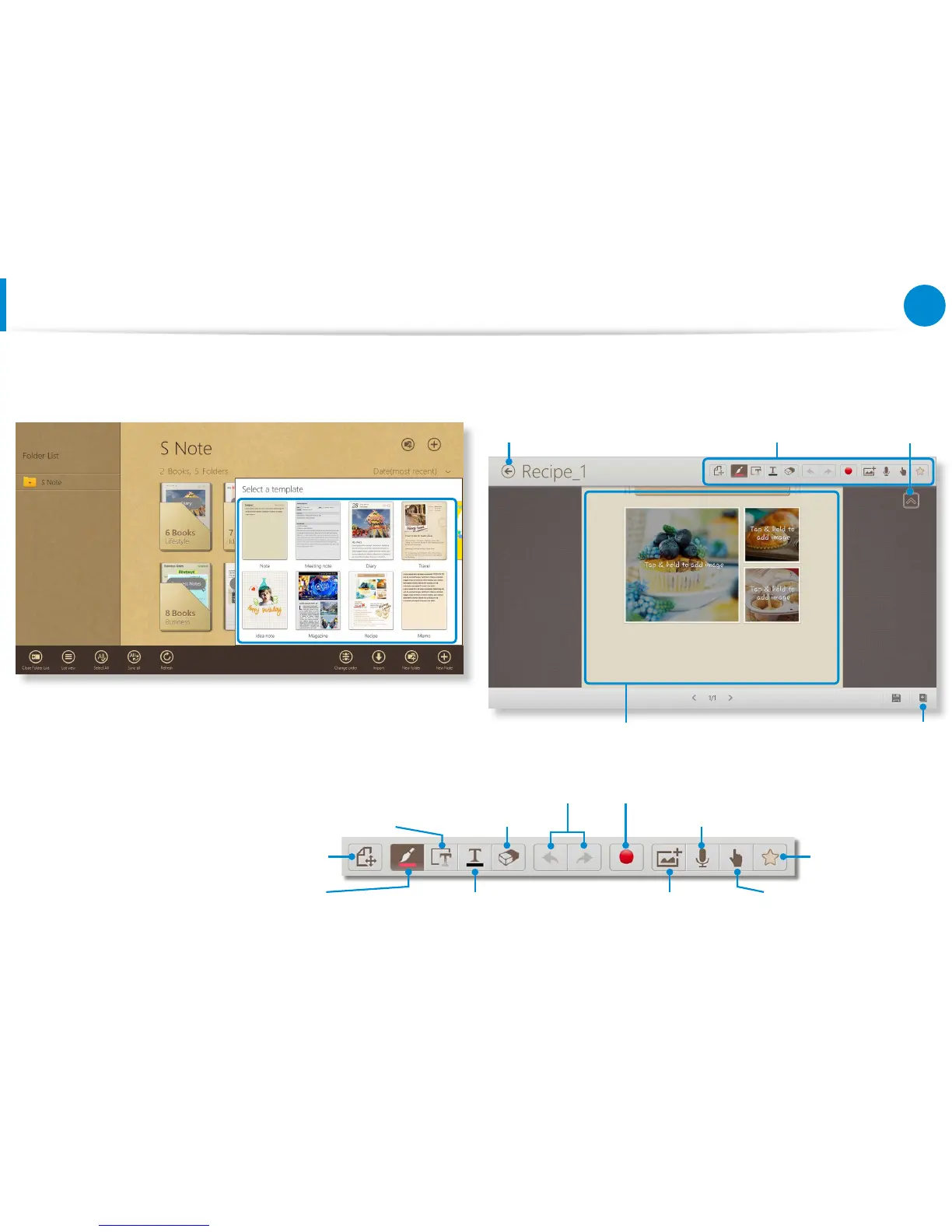
Various note format options will appear.
Select a format.
5
Create a note using the Menu.
E.g. When you selected Recipe
Exit S Note
Tap and hold to change
the photos or contents.
Menu Hide menu
Add a page
Text, diagrams, and formulas Eraser Voice memo
Undo / Redo Record sketch
Preview / edit Favorites
Using pens and conguring the
pen tools
Entering text through the Keypad
and style settings
Insert a gure Turn the S Pen on or o









 To Next Page