Turning the computer o
Since the procedures to turn the computer o may dier •
depending on the installed operating system, please turn
the computer o according to the procedures for the
purchased operating system.
Save all your data before clicking on • Shut down.
1
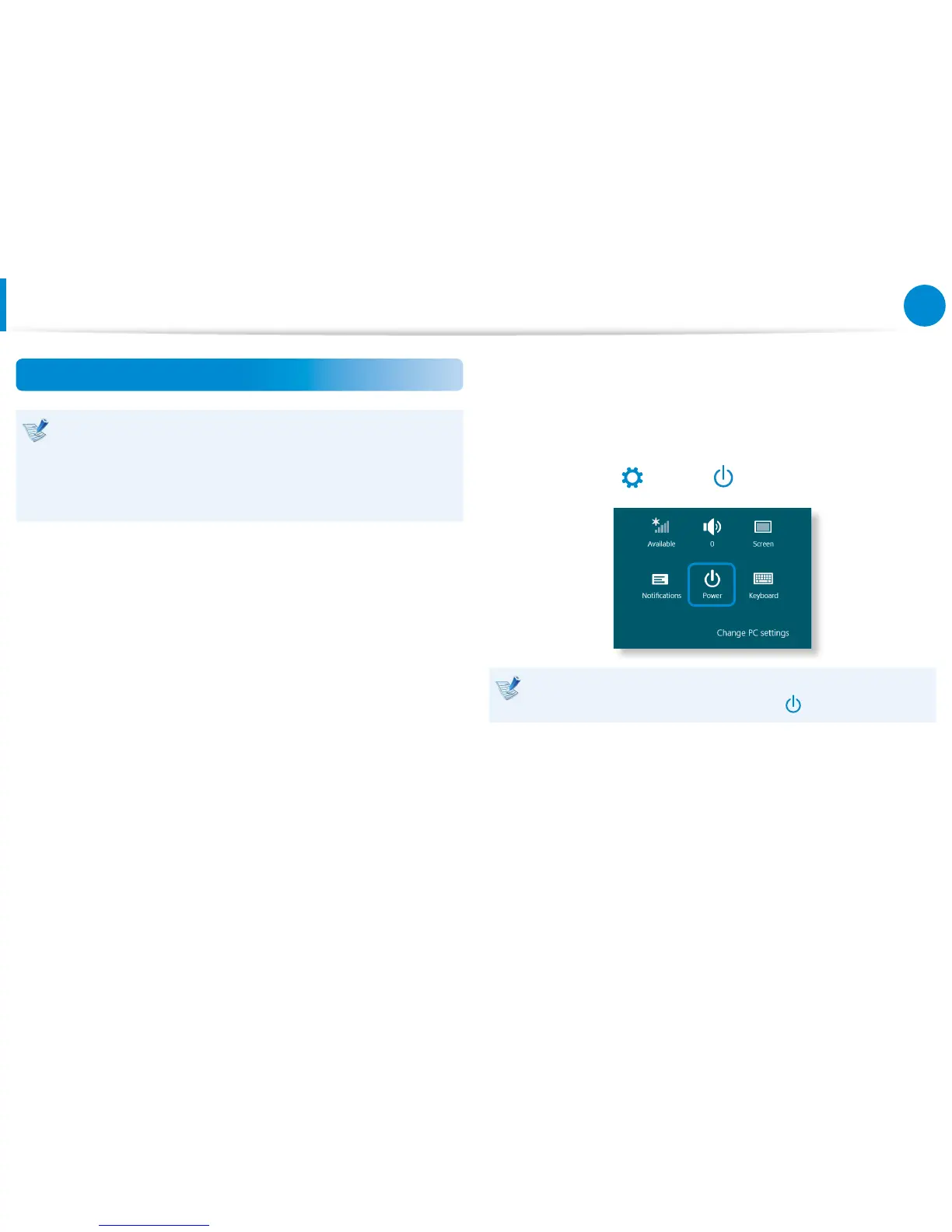
Slightly drag from the right edge of the screen toward the
center to display the Charms menu.
2
Click Settings
> Shut down.
If you want to power o your computer when you are logged
out, unlock the screen and click Power









 To Next Page