Conguring your Microsoft Account
A Microsoft Account allows you to synchronize your settings with
other device(s) running Windows 8 online allowing you to share
le(s) or settings.
You should register a Microsoft Account to download or purchase
App(s) from the Store.
1
Run the Charms and click Settings > Change PC Settings.
2
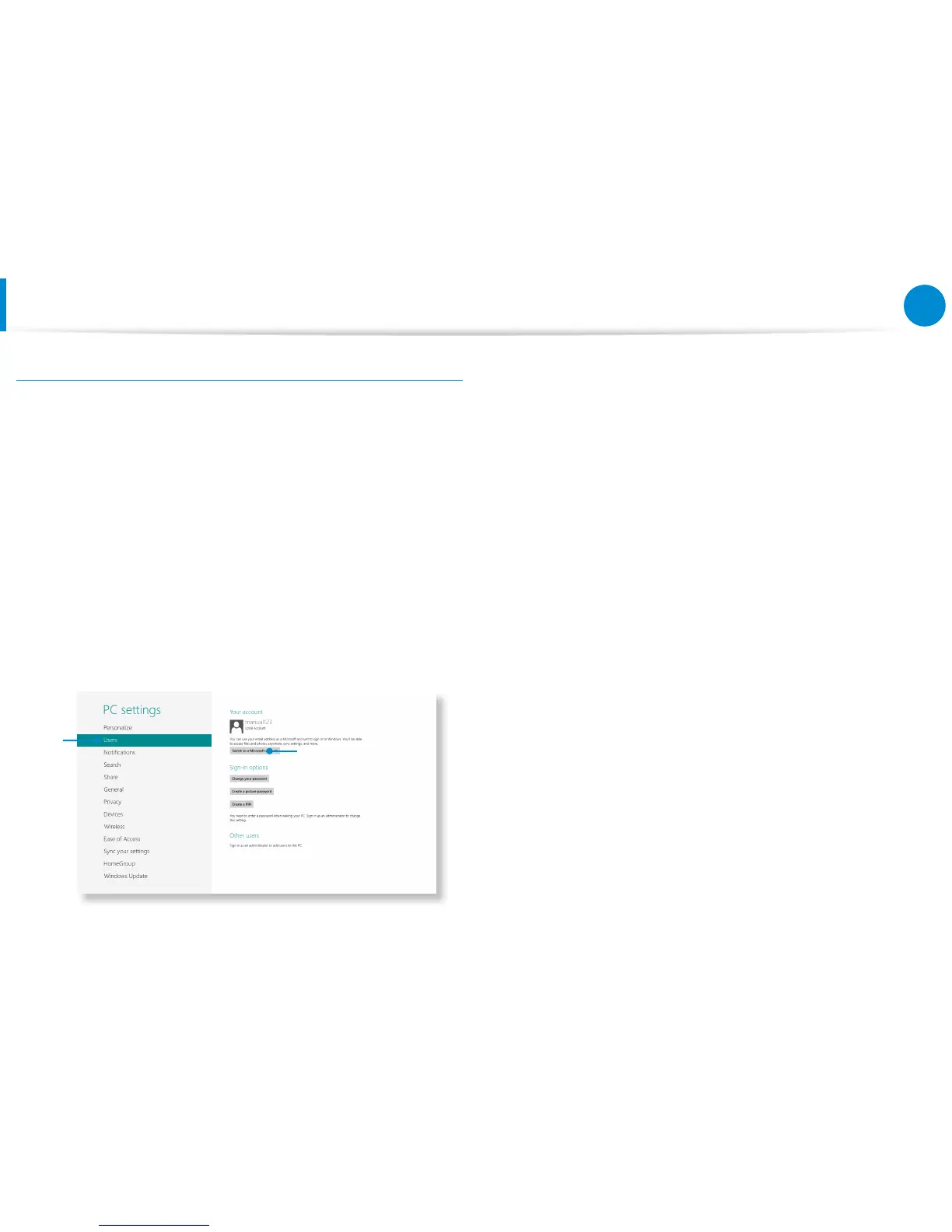
Click Users > Your account > Switch to a Microsoft
account.
3
Register your account through the following relevant
procedures.
1
2
Using Apps









 To Next Page