Using the Touch Screen
3
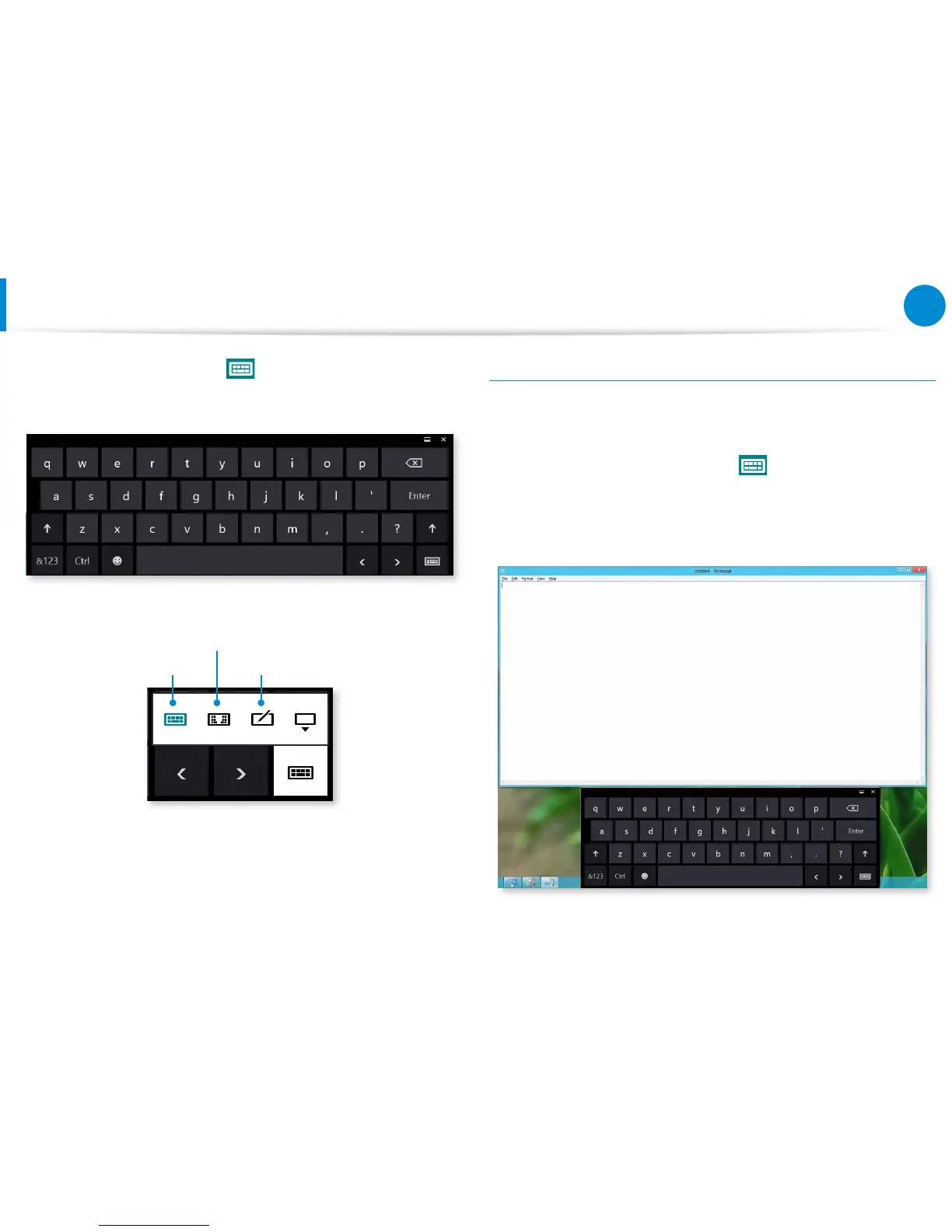
On the Desktop, press the at the right of the taskbar to
display the Tablet PC Input Panel.
Touch Keyboard
Touch Keyboard
(displays the Numeric Key Pad in the middle.)
Handwriting Mode
[Input Mode]
Entering characters using the Touch Keyboard
The Touch keyboard has the standard keyboard layout which
allows you to select keys to enter characters.
1
Press the Touch Keyboard icon in the Tablet PC Input
Panel.
2
Press the keys to enter your characters.









 To Next Page