NFC
(Near Field Communication) (Optional)
Connecting a device
This section describes how to connect an NFC-supported
Bluetooth speaker.
1
Turn the computer on. Turn the Bluetooth speaker on.
2
Put the NFC mark of the speaker into contact with the NFC
antenna at the back of the computer.
3
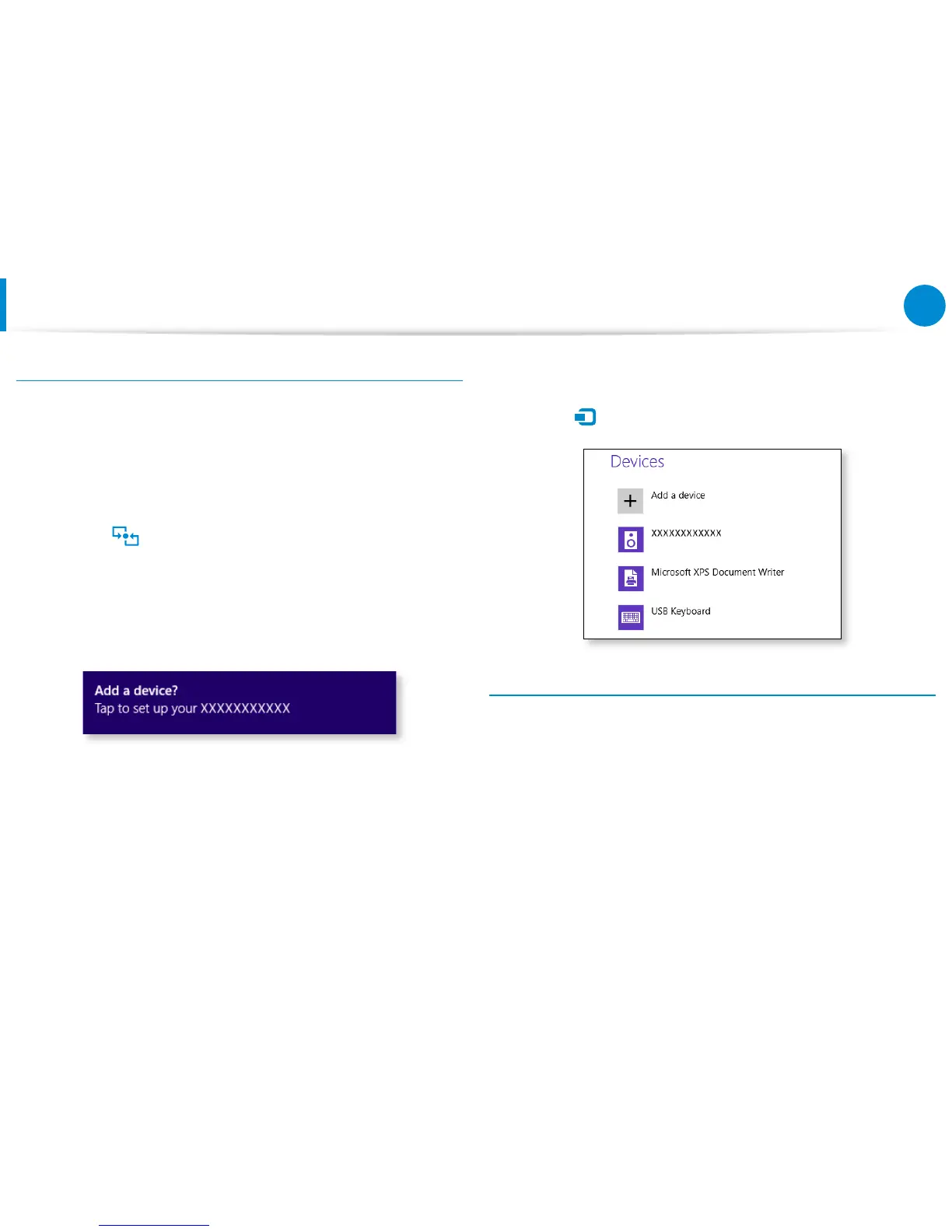
The device connection conrmation message appears at the
top right of the screen. Tap on the message.
Connect the device according to the instructions on the
screen.
4
The device is connected. You can now use the speaker.
Select Charm menu > Settings > Change PC Settings >
Device
to view the connected device.
Restrictions
You can make only one-to-one connection between NFC •
devices at a time.
Because the NFC function is not compatible between Windows •
and Android operating systems, only the URL of the NFC
function is transferred to an Android-based mobile device that
is connected to the computer.









 To Next Page