EasyManua.ls Logo

Samsung UF-80ST - User Manual

Samsung UF-80ST
46 pages
Print Icon
To Next Page IconTo Next Page
Loading...
UF-80DX/STUF-80DX/ST
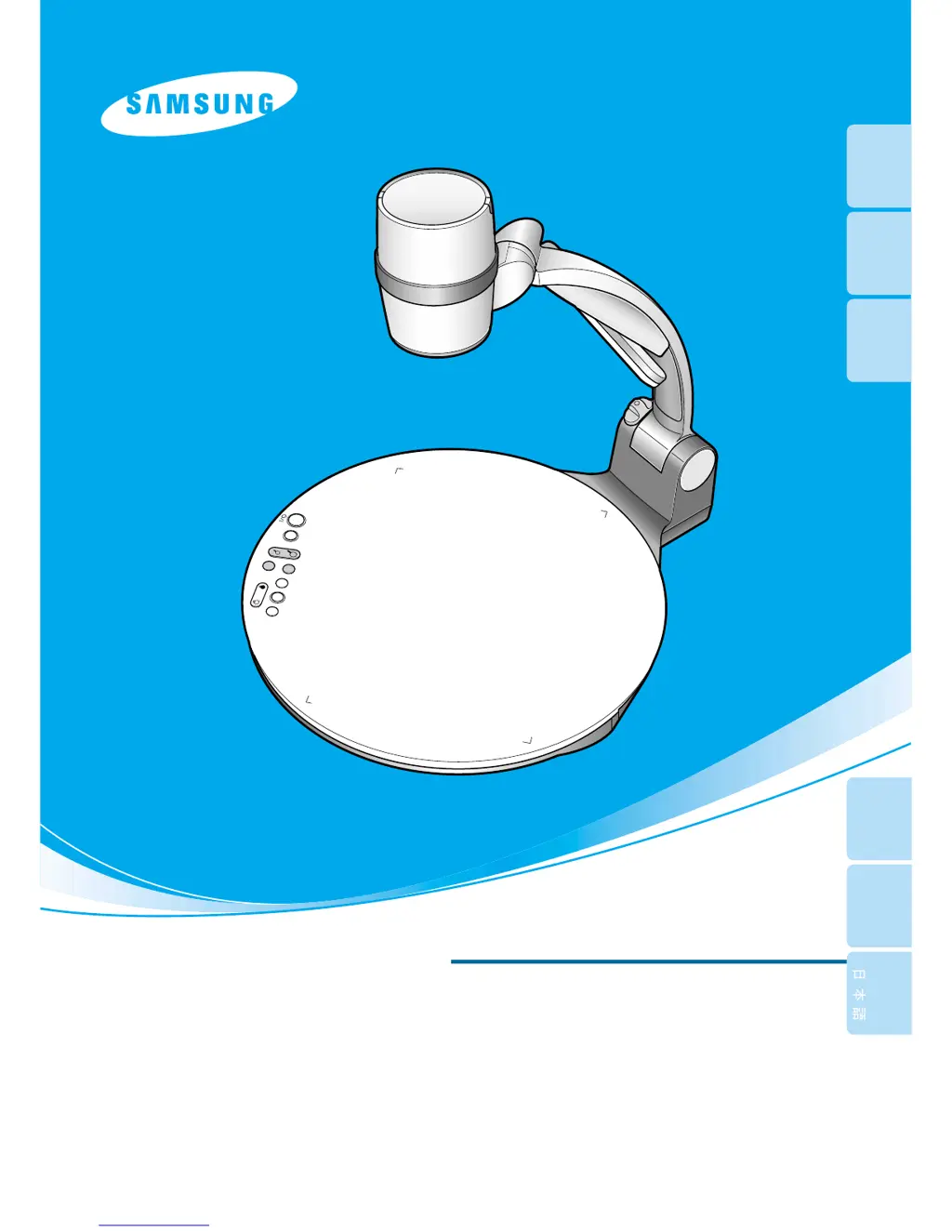
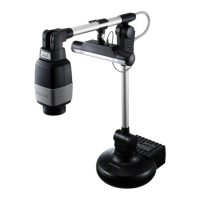
HIGH RESOLUTION DIGITAL PRESENTER
USER'S MANUAL
HIGH RESOLUTION DIGITAL PRESENTER
USER'S MANUAL
ENGLISHENGLISH
Before attempting to operate this product, Please read the instructions carefully.
www.samsungpresenter.com
Before attempting to operate this product, Please read the instructions carefully.
www.samsungpresenter.com
LAM
P
ZOOM
UF-80DX
SA
M
SUNG DIGITAL PRESENT
ER
FREE
ZE
INT/E
X
T
A
WC
AF
ROT
AT E
B
RIGHT
+
-
English
French German Italian Spanish

Questions and Answers

Summary

Special Features Overview

14 X Optical Zoom and 3 X Digital Zoom

High-resolution zoom capabilities for versatile object capture.

850,000 Pixels CCD

High-resolution image capture with excellent color reproduction.

USB 2.0;1.1 and RS-232 C Control

Control presenter functions via USB or RS-232C ports.

DVI Port Imbedded

Provides vivid and noise-less images via DVI output.

Standard Remote Controller

Enables convenient operation from a distance.

Optional Lightbox

Option for projecting transparency films and slides.

Key Features and Controls

Various Image Control Options

Offers controls for brightness, color, rotation, freeze, and divide.

Input Source Selection

Allows switching between computer and presenter inputs.

Custom User Settings

Save and recall up to 4 customized presenter settings.

GUI Menu System Support

Control presenter functions using a graphical user interface.

Safety Precautions

Uses of Digital Presenter

Conference Applications

Projecting detailed information for group focus during meetings.

Educational Uses

Audiovisual tool for printed and digital educational materials.

Medicine and Science Areas

Presenting visual data like slides and X-rays at medical conferences.

Advertisement and Design Areas

Useful for visualizing designs and checking job effects.

Demonstration or Exhibition

Creating dynamic images for product launches, exhibitions, or events.

Name and Function of Each Part

Front Side Components

Identifies and explains the components on the front of the presenter.

Connecting to Output Device

PC Monitor, Projector, or DVI Devices

Connect the presenter to display devices like monitors and projectors.

PC Monitor Cable Connection

Connects the presenter to PC monitors via VGA.

DVI Cable Connection

Connects the presenter to monitors/projectors via DVI.

Using the Presenter: Displaying External Sources

Show Image from External Device

Instructions for displaying external video sources.

Projecting an Object with the Presenter

Adjusting Your Image

Adjusting Image Size

Change the displayed image size using WIDE/TELE or ZOOM buttons.

Adjusting Brightness

Control image brightness using BRIGHT +/- buttons.

Diffused Reflection Prevention Sheet

Instructions for using a sheet to prevent reflection on glossy documents.

Adjusting Your Image with GUI

GUI Menu System Overview

Using mouse operation to control presenter functions via GUI.

Image Section Adjustments

Image menu deals with adjustment functions of on-screen image.

Miscellaneous Section Adjustments

Preset Save; Execute

Save or activate customized user settings using preset memory.

Exit Section

Drag and Drop Function Tips

Move the GUI menu to any screen position using drag and drop.

Changing Your Image with Draw

Storage Instructions

Troubleshooting Common Issues

Battery Replacement Guide

Product Specifications

Samsung UF-80ST Specifications

General IconGeneral
ModelUF-80ST
CategoryDigital Presenters
FocusAuto / Manual
Image SensorCMOS
ZoomOptical/Digital
ConnectivityUSB
CompatibilityMac

Related product manuals