3
English
PC1BWFMANW
3
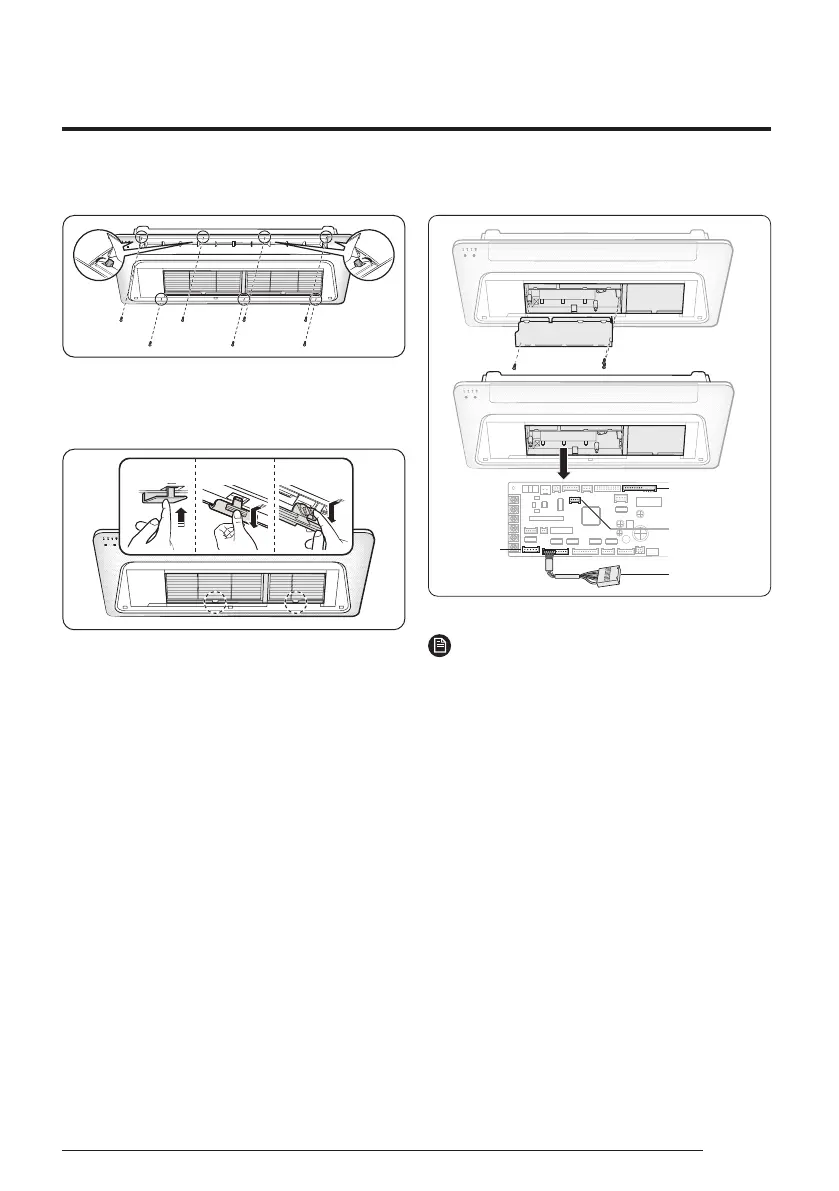
Press the handle of the air filter and pull it out.
• The handle appearance of the air filter may differ,
depending on the model. Refer to the image.
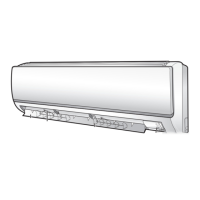
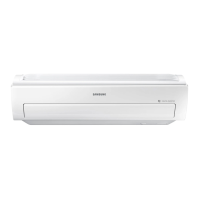
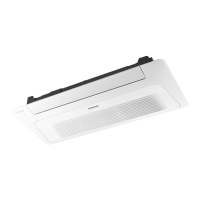
A Type B Type C Type
4
Perform wiring between the indoor unit and the
panel:
• Unfasten the 3 screws from the electrical part,
and then remove the electrical part.
• Connect the connectors on the panel to the
connectors on the indoor unit PCB:
– Connect the connectors of the swing motor,
remote control sensor, and humidity sensor,
Wi-Fi module on the panel to their respective
connectors on the indoor unit PCB.
– Make sure that the colors of the connectors
match each other.
• Reassemble the electrical part.
• Close the air filter.
Wi-Fi
module
Remote control
receiver
Humidity
sensor
Swing motor
NOTE
• If any connector is not connected or is connected
to a different color connector, both the air
conditioner and the remote control will not
operate.
5
Check whether the panel is firmly fixed to the
indoor unit.
• Make sure that the screws are fastened tightly
until there is no gap between the ceiling and the
panel, and that the panel is installed in parallel
with the ceiling and the ceiling joints:
– If there is a gap between the ceiling and the
panel, adjust the height of the indoor unit.
DB68-13073A-00_IM_SYS WindFree 1way Panel WiFi_EU_EN_.indd 3DB68-13073A-00_IM_SYS WindFree 1way Panel WiFi_EU_EN_.indd 3 2024-07-22 오전 9:20:492024-07-22 오전 9:20:49





 To Next Page