EasyManua.ls Logo

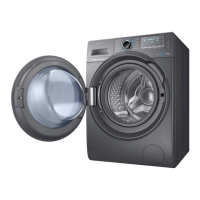
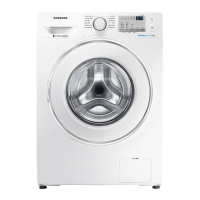
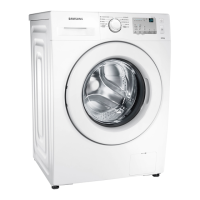
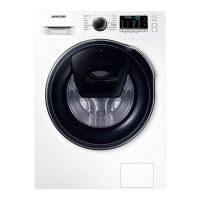
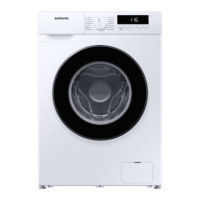
Samsung WW85T Series - User Manual

Samsung WW85T Series
68 pages
Print Icon
To Next Page IconTo Next Page
Loading...
Washing Machine
User manual
WW1*T******/WW8*T******/WW7*T******
Untitled-14 1 2022-04-28  3:00:48

Questions and Answers

  • R
    Robert VincentJul 29, 2025
    Why Samsung Washer won't start?
    • L
      Leslie DixonJul 29, 2025
      There are several reasons why your Samsung washer might not start. First, ensure the washing machine is properly plugged in and the door is completely closed. Also, check that the water taps are open. You need to tap and hold the start button to initiate the cycle. Verify that the Child Lock is not activated. Check the fuse or reset the circuit breaker and ensure that power is being supplied correctly. Low voltage can also be a problem, so double-check the power cord. Make sure no laundry is caught in the door. If the AddWash door is open, close it properly and tap and hold the start button again to resume operation. If you want to add laundry, open and close the AddWash door completely before tapping and holding the start button.
  • J
    Jennifer HorneAug 13, 2025
    What to do if Samsung WW85T Washer has insufficient water supply?
    • M
      Michael BakerAug 14, 2025
      If your Samsung washer isn't getting enough water, make sure the water tap is fully open. Ensure the door is properly closed. Check that the water supply hose isn't frozen, kinked, or clogged. Also, make sure there's sufficient water pressure. Verify that the cold and hot water taps are correctly connected. Finally, clean the mesh filter, as it might be clogged.

Summary

Safety Information

Understanding Safety Instructions

Key safety guidelines, symbols, precautions, and warnings for safe operation.

Installation, Usage, and Cleaning Safety

Critical warnings and cautions for installation, operation, and cleaning procedures.

Installation Guide

Included Parts and Requirements

Lists included parts and outlines essential installation requirements for proper setup.

Site Preparation and Step-by-Step Setup

Guides on selecting location, preparing the site, and detailed steps for installation.

Preparing for Use

Initial Setup and Laundry Guidelines

Covers initial setup, calibration, and essential guidelines for preparing laundry.

Detergent, Load, and Drawer Management

Advice on detergent selection, load capacity, and proper use of the detergent drawer.

Washing Machine Operations

Control Panel and Cycle Management

Explains the control panel, cycle selection, starting, pausing, and managing operations.

Advanced Functions and Connectivity

Details additional functions, system settings, special features, and SmartThings app integration.

Maintenance and Care

Routine Cleaning and Filter Maintenance

Procedures for cleaning the drum, filters, and exterior surfaces.

Drainage, Storage, and Defrosting

Instructions for emergency drainage, storing the machine, and defrosting.

Troubleshooting and Error Codes

Common Problem Solutions

Provides checkpoints and actions to resolve common operational issues.

Information Codes and Remedies

Explains error codes displayed on the screen and their corresponding solutions.

Product Specifications

Fabric Care and Cleaning Symbols

Interpretation of garment care symbols for washing, bleaching, drying, and ironing.

Technical Details and Environmental Impact

Specifications like dimensions, weight, power, and environmental considerations.

Samsung WW85T Series Specifications

General IconGeneral
Capacity8.5 kg
Energy Efficiency ClassA
Spin Speed1400 rpm
Dimensions (W x H x D)600 x 850 x 550 mm
Weight70 kg
Drum TypeDiamond Drum
AI ControlYes
AddWashYes
Noise Level (Wash)53 dB
ColorWhite
Digital Inverter MotorYes
Eco Bubble TechnologyYes
Number of Programs14
Smart ControlYes
Wi-Fi ConnectivityYes
ModelWW85T
TypeFront Load
Quick Wash15 min

Related product manuals