Use basic functions > Product layout
11
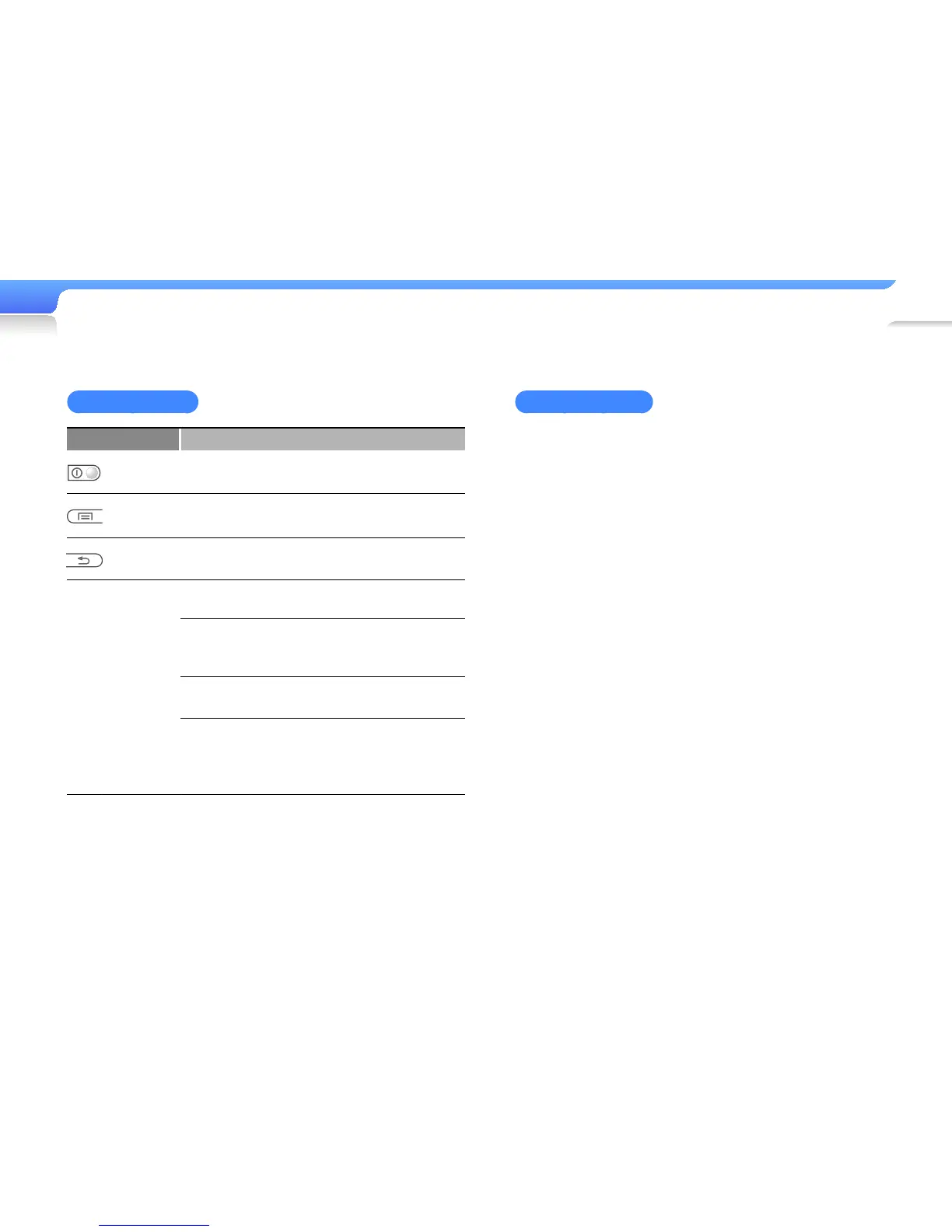
Button functions
Button Function
Power/lock
• Turn your player on and off (press and hold)
• Lock the buttons
Menu
Open a list of options available on the current
screen.
Back
• Return to the previous screen
• Return to the main menu (press and hold)
n
Navigation/
Selection
n
Scroll up, down, left, or right on the
screen
o
(Centre)
• Select the highlighted menu or
option
• Begin or pause playback
a
(Up/Down)
Adjust the volume
b
(Left/Right)
• Skip to the previous/next file
• Move to the previous/next page
• Search backward/forward (press
and hold)
Reset your player
If your player is frozen or unresponsive, press and hold the
Power/Lock button for 8-10 seconds.
This will reset the player without damaging applications or
data saved in the player's memory.



 To Next Page