14
Turn your
player on
and lock the
buttons
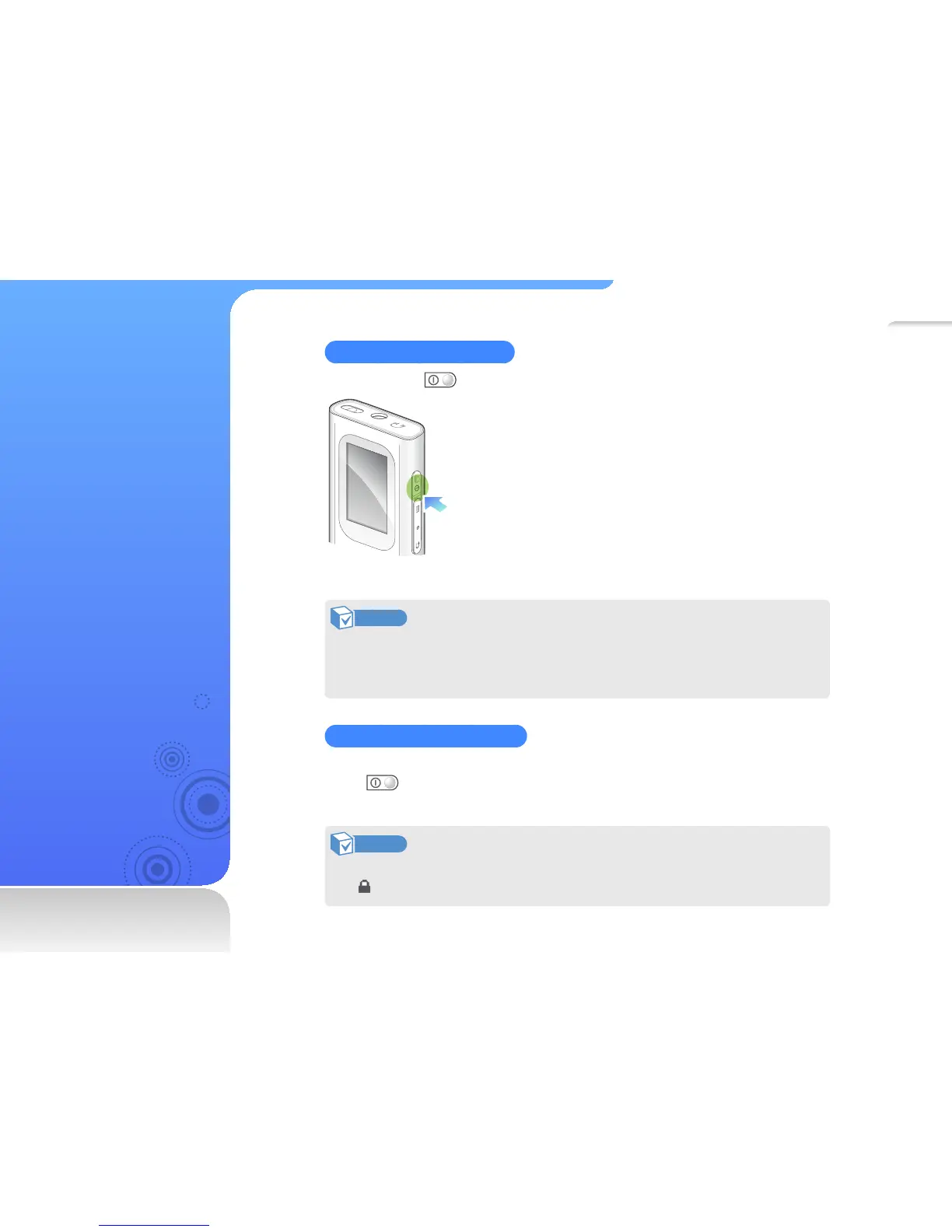
Turn your player on or off
Press and hold to turn your player on or off.
Note
• The Popcon character settings appear when you turn on the player for the
first time. See "My Popcon settings" on page 32.
• If you do not use your player for 5 minutes, it will automatically turn off.
Lock or unlock the buttons
Lock the buttons to prevent any unwanted operations while listening to music.
Press
to lock or unlock the buttons.
Note
When the buttons are set to lock during Music/FM Radio/Fitness mode,
displays at the top of the screen.



 To Next Page