19
My files
Search files by folder, and
open or delete files.
Search for files
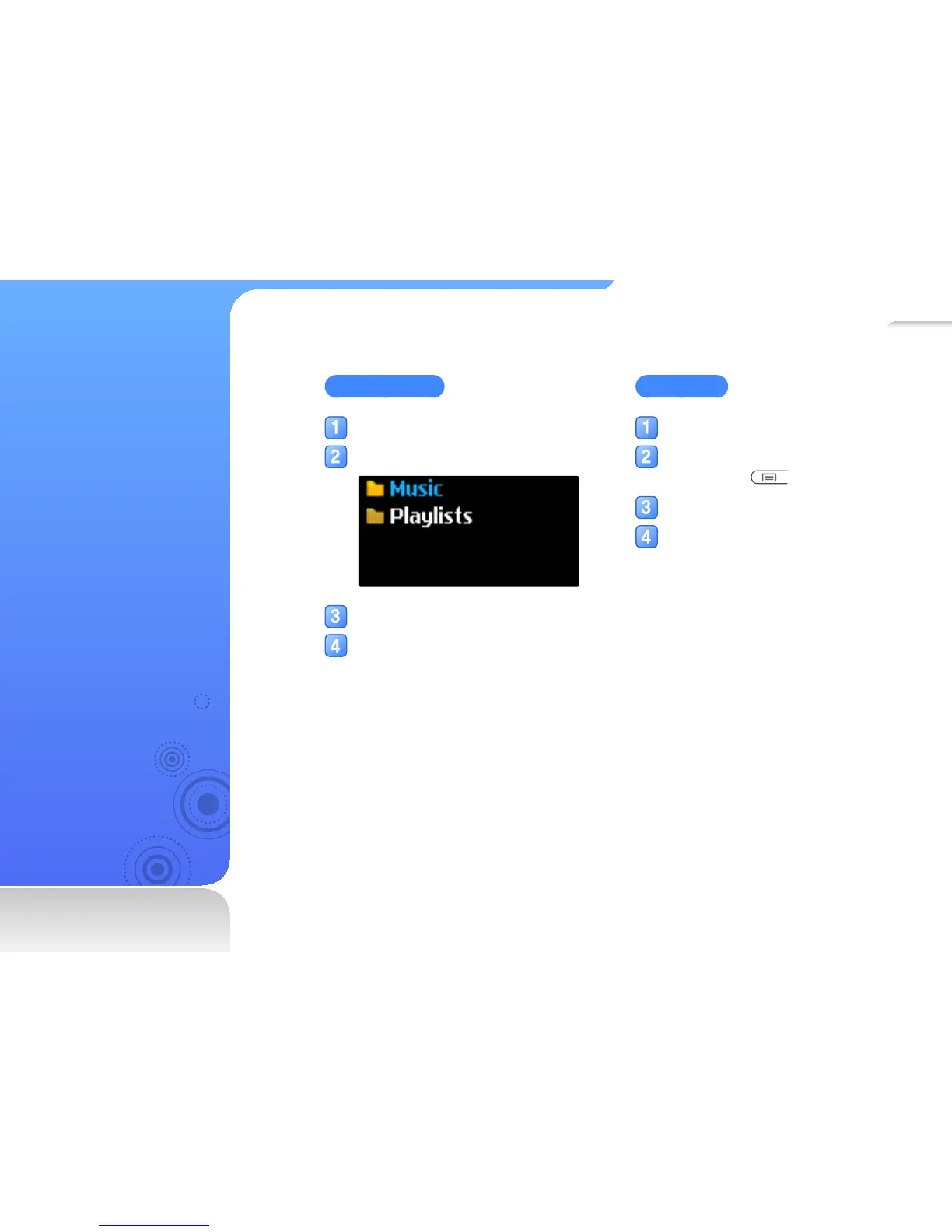
In the main menu, select <
My files
>.
Select a folder from the list.
Scroll through the file list.
Select a file you want.
Delete files
Select a folder from the list.
Select a file you want to delete, and
then press
.
Select <Delete>.
Select <
Yes
> from the pop-up
window.



 To Next Page