12
GB
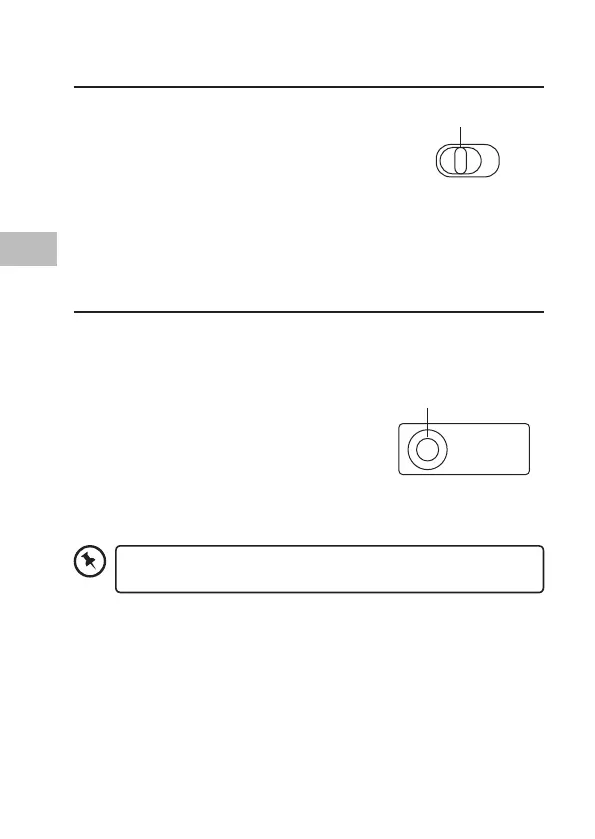
Switching on/o
1. Slide OFF/ON to ON. The power indicator
will ash once.
2. To switch the keyboard o, slide OFF/ON
to OFF.
The keyboard will automatically power down
when it is idled for 30 minutes. To wake it up
press any key.
Pairing the Keyboard
Your keyboard can be paired to an iPad (or other device).
1. Switch on your iPad, and activate the feature with Bluetooth®
Technology.
2. Switch the keyboard on. Press Connect, the
power indicator will ash. The keyboard is
now in pairing mode.
3. On your iPad, select the keyboard
Bluetooth® name “BLUETOOTH KEYBOARD”.
You may be asked to type in a code. Your
keyboard is now paired with your iPad. The
power indicator will disappear.
CONNECT
ON/OFF Switch
Connect Button
To disconnect the keyboard from the iPad/device, press
CONNECT.


 To Next Page
 Loading...