
 Need help?
Do you have a question about the Sandstrom SL-DBTC18 and is the answer not in the manual?
General guidelines on preventing unit damage, proper handling, and safe placement to avoid hazards.
Precautions regarding temperature, naked flames, moisture, and ventilation for safe operation.
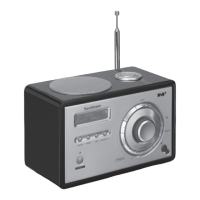
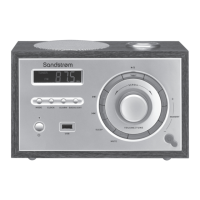
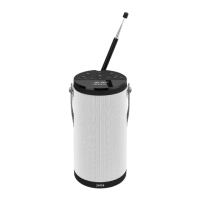
Description of buttons, dials, and display elements located on the front of the radio unit.
Instructions for inserting batteries and information on expected battery life for different modes.
Steps for switching the unit on/off and selecting between DAB, FM, Bluetooth, and Aux input modes.
How to adjust the audio volume and set the sleep timer for automatic switch-off.
How to perform a full scan and manual tuning for DAB radio stations.
Steps to connect a Bluetooth device and play audio, including playback control.
Solutions for common problems like no power, unresponsiveness, and poor reception.
 General
| Type | DAB+/FM Radio |
|---|---|
| Display | LCD |
| Bluetooth | Yes |
| Clock | Yes |
| Alarm | Yes |
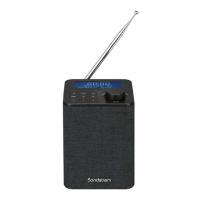
| Colour | Black |
| Power Source | Mains or Battery |
| Preset stations | 20 (10 DAB+, 10 FM) |
| Other features | Snooze function |
| Audio output | 3.5mm jack |
| Headphone Jack | 3.5mm |




 To Next Page