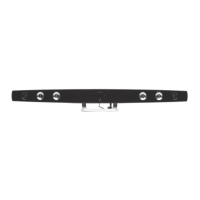
12
GB
LINE IN
USB FOR CHARGING ONLY 5V 1A
POWER INPUT 13.5V 3.5A
Product Overview
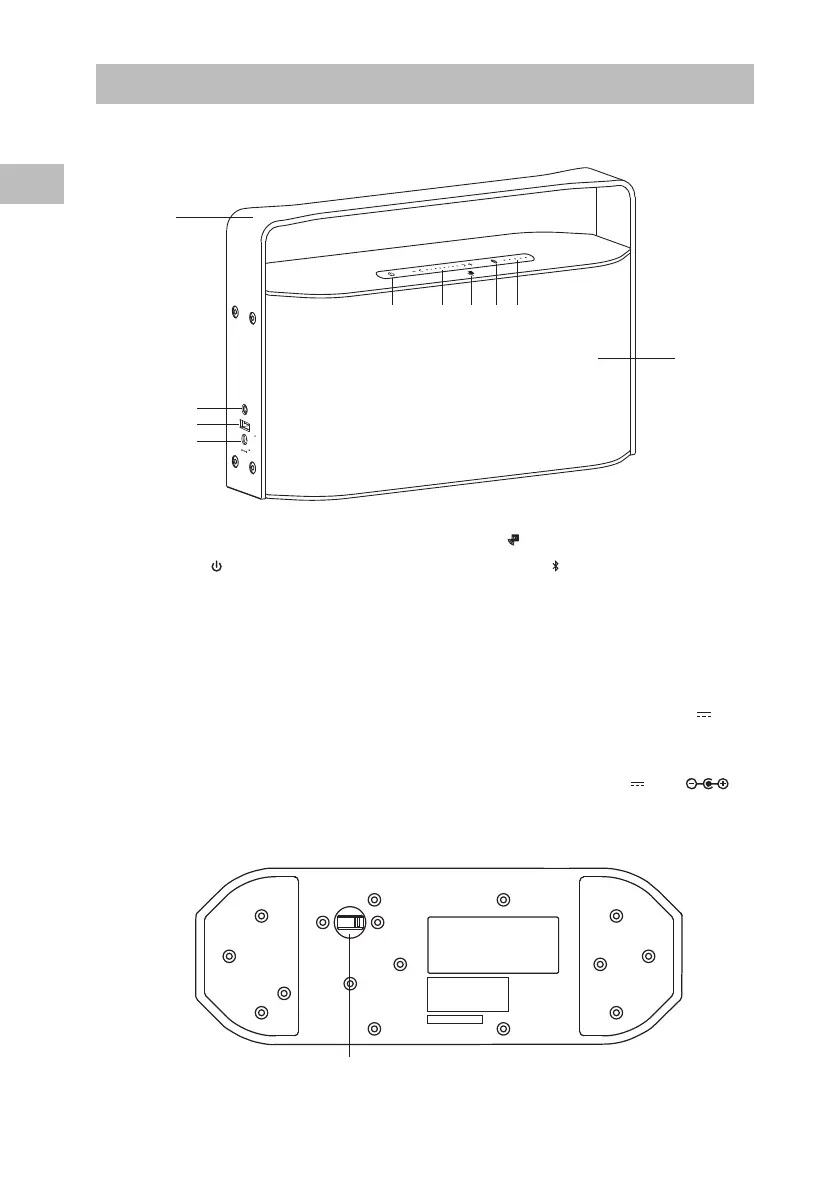
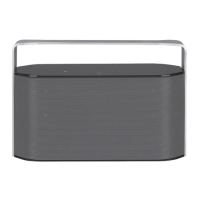
Front View
Bottom View
1. Handle
2. STANDBY Button
Switch the unit between the ON and
STANDBY mode.
3. Volume +/– Buttons
Press + to increase the volume.
Press – to decrease the volume.
Slide from – to + to increase the
volume.
Slide from + to – to decrease the
volume.
4. NFC area
5. Bluetooth indicator
6. Battery Status
Show the power status of the unit
7. Speakers
8. AUX LINE IN Socket
Connects to an external audio device.
9. USB FOR CHARGING ONLY 5V 1A
Charging Port
For charging external devices only.
10. POWER INPUT 13.5V 3.5A
Socket
2 3 4 5 6
8
1
10
9
11. POWER ON/OFF SWITCH
OFF
POWER ON/OFF SWITCH
11
7


 To Next Page