21
Operating the system – FM band
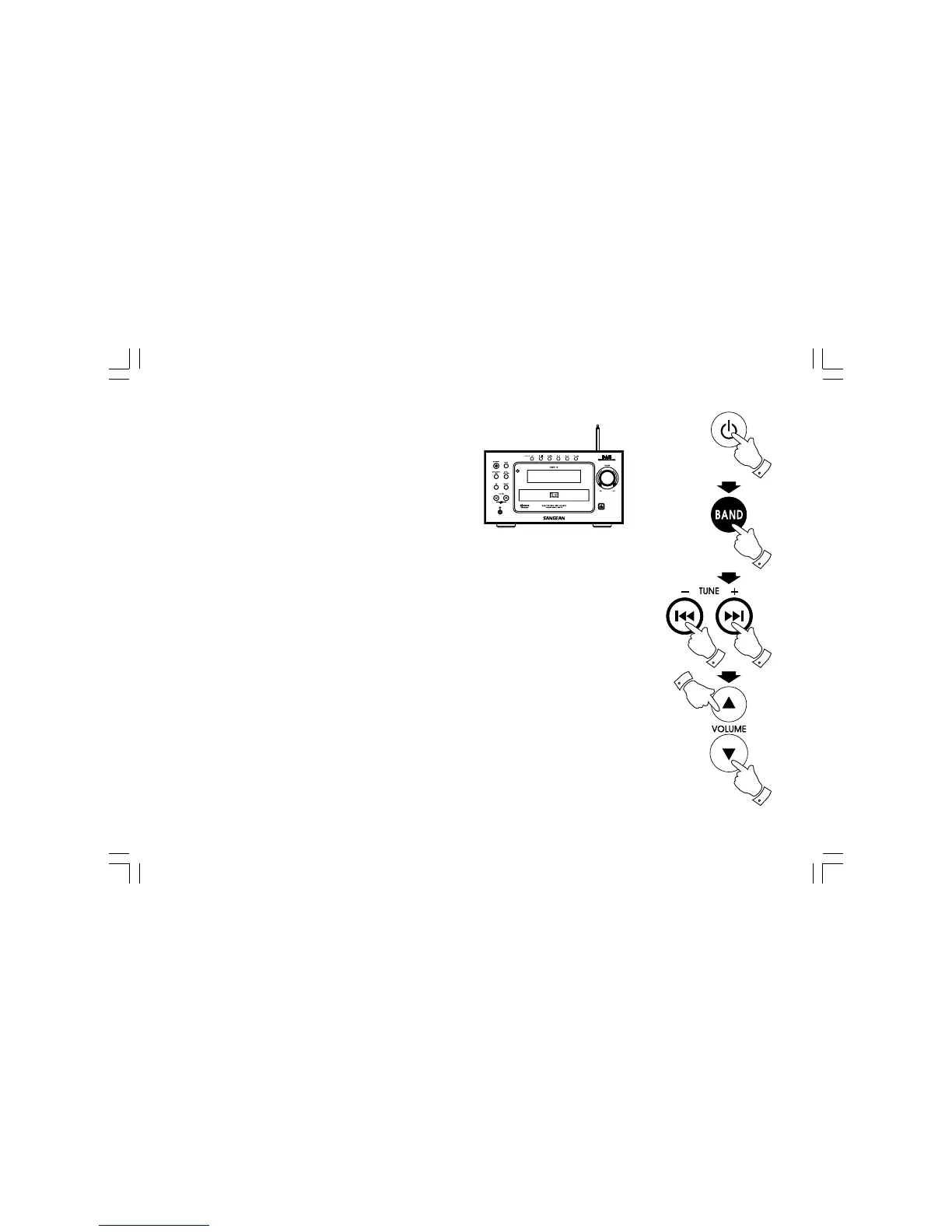
1. Fully extend the telescopic aerial.
2. Press Standby button to switch on the system.
3. Press the Band button to select the FM band.
4. Press and release Tuning control +/- button to tune to required
stations. Display will show ST when a stereo station is tuned.
Long press Tuning +/- button for more than 0.7 seconds,
radio frequency will automatically increase/decrease until next
station of sufficient strength has been found.
5. Adjust the Volume Control to the required setting.
20060919_DMS-16_381P501-A_GB.p65 2006/9/19, ¤W¤È 09:1524



 To Next Page