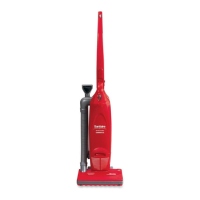
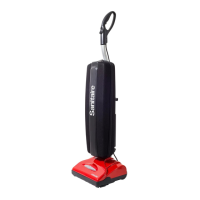
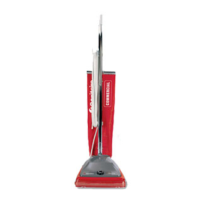
Your Sanitaire Commercial Cordless Upright doesn’t need much maintenance:
keep the filters clean, keep the brush roll tangle-free and charge the battery.
Wipe it with a dry cloth if it gets dirty, including under the dirt bin. Never
wash it with liquid, run it under a tap or use it without the filter.
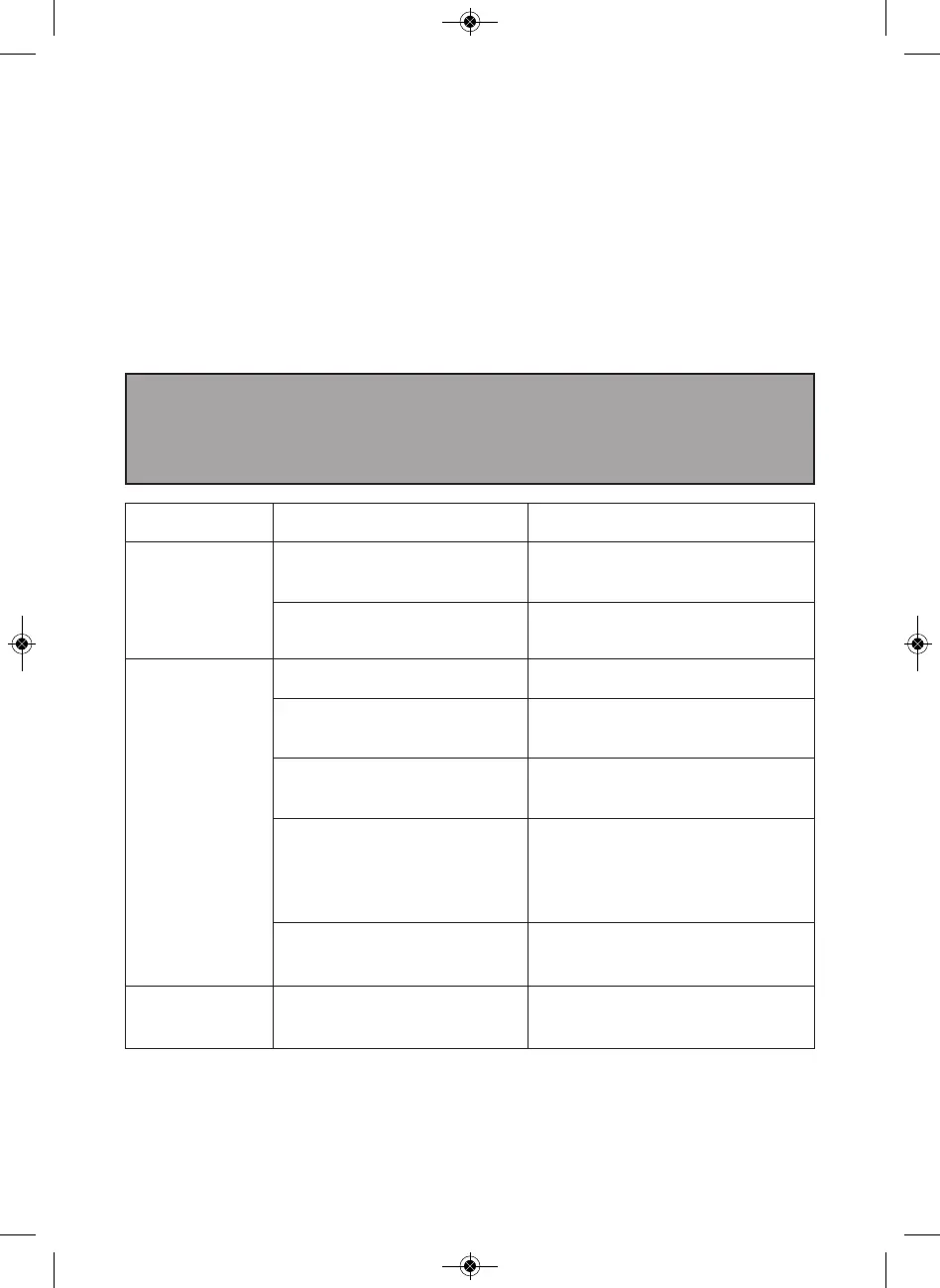
Problem Possible causes Remedies
Vacuum
stopped or
won’t work
Battery isn’t fully charged
Charge battery following
instructions on page 7
Brush roll obstruction
Clear debris from the
brush roll
Vacuum
is not
cleaning
well
Dirt bin is full
Empty dirt bin
Dirt bin is not installed
properly
Position bin correctly and snap
firmly into place
Filters need cleaning
Follow filter cleaning
instructions on page 9
Filters need replacing
Visit
www.sanitairecommercial.com
or call 1-800-800-8976 to order
replacement filters
Clog or obstruction
Clean the holes in the filter
housing and check for blockages
Battery will
not charge
Connection failure
Check the plug and charger
connections
WARNING
To reduce the risk of electric shock, turn power switch o and remove battery
before performing maintenance or troubleshooting checks.
Product care
Troubleshooting
www.SanitaireCommercial.com 13



 To Next Page