- 04 -
APP
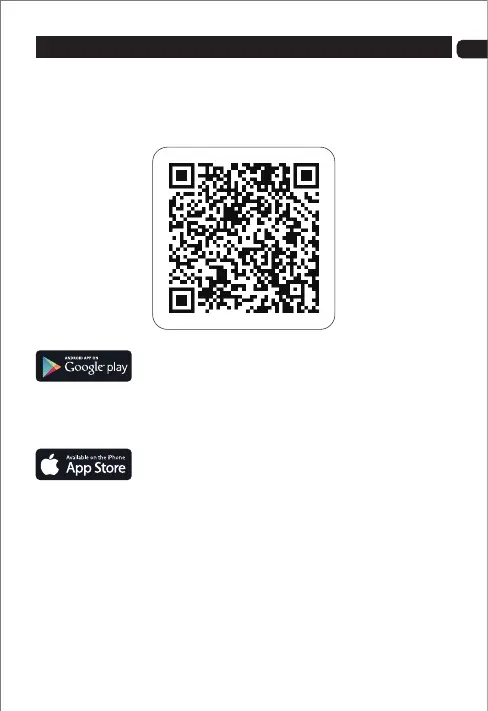
Scan the QR code below or search "Sansisco-V" in App Store or Google Play
to download the App.
1. Turn on the drone.
2. Enter the “Settings” menu of your mobile device.
3. Then turn on “WIFI” and connect to the WIFI of the "Sansisco D15-xxxxx"
4. Open the APP, you would see the real-time video from the drone camera,
and you now can start your flight.
Download the App
Connect to the APP:
For smart phone with Android 5.0+:
Search and download " Sansisco-V " from Google Play. Or scan the QR
code below to download.
For smart phone with iOS 9.0+:
Search and download " Sansisco-V " from App Store. Or scan the QR code
below to download.
EN


 To Next Page