ADDRESS DATA
POWER ON total hours.
= (16 x 16 x 16 x thousands digit value)
+ (16 x 16 x hundreds digit value)
+ (16 x tens digit value)
+ (ones digit value)
1.
2.
3.
4.
Turn on the POWER, and set to the TV mode.
Set the VOLUME to minimum.
Press both VOL. DOWN button on the set and Channel button (8) on the remote control for more than 2 seconds.
After the confirmation of each check sum, power on total hours, digital tv micon firware and micon version, turn off the
power.
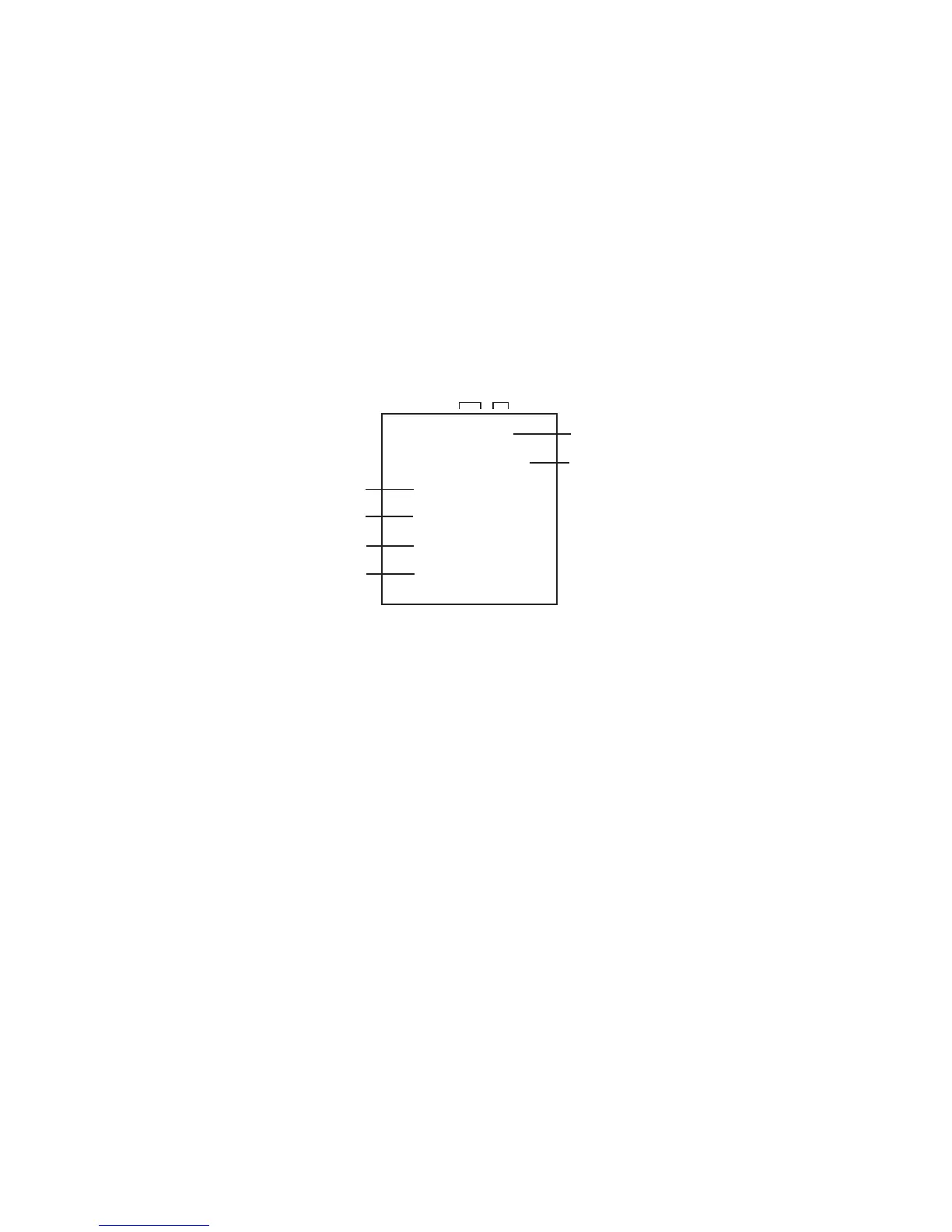
Initial total of MEMORY IC, POWER ON total hours, MICON VERSION and Digital TV MICON Firmware VERSION can be
checked on the screen. Total hours are displayed in 16 system of notation.
NOTE:
WHEN REPLACING EEPROM (MEMORY) IC
If you set a factory initialization, the total hours is reset to "0".
Please refer to "CONFIRMATION OF INITIAL DATA" when SUM DATA is not corresponding.
FIG. 1
INIT 00 40
CRT ON @@@@
OEC7180A_12
DTV CA10E86032
INIT 1F6C
ROM: 3757
MICON Version
Initial setting data check sum.
Rom correction data check sum.
Digital TV MICON Firmware
CONFIRMATION OF CHECK SUM, POWER ON TOTAL HOURS, MICON VERSION AND
DIGITAL TV MICON FIRMWARE VERSION
Initial setting content of MEMORY IC.
NOTE:
The each item value might be different according to each set.



 To Next Page