6
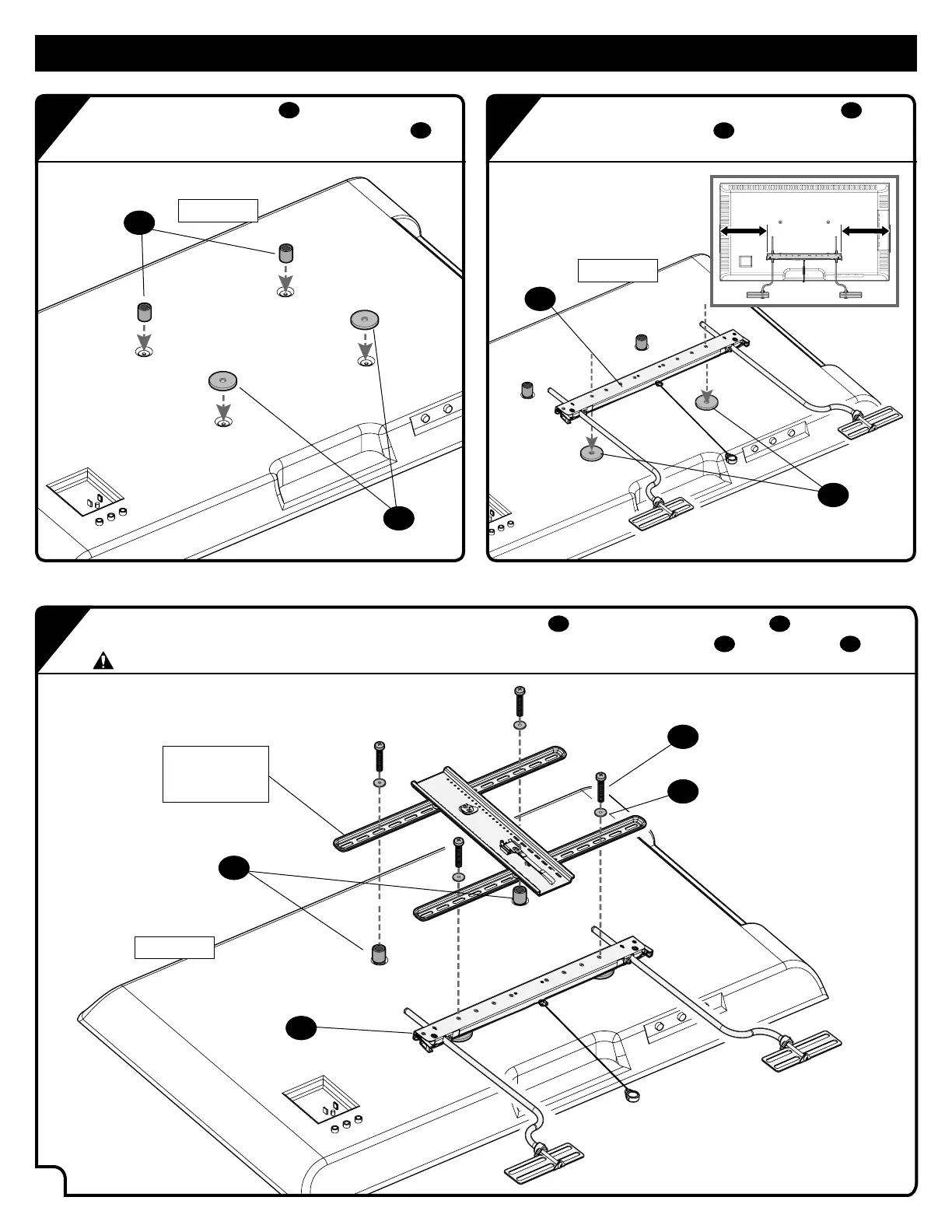
Place the 16mm spacers
08
over your TV’s top
mounting holes and the interface washers
09
over the bottom mounting holes.
Center the soundbar horizontal bracket
01
over
the interface washers
09
on your TV’s bottom
mounting holes.
STEP 3A
08
05
06
01
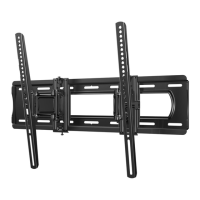
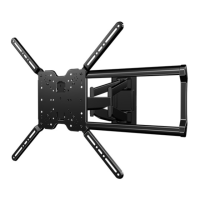
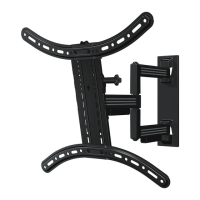
Center your TV mount bracket(s) on top of the 16mm spacers
08
and the soundbar bracket
01
.
Secure the TV mount and soundbar mount to your TV using the supplied TV screws
05
and washers
06
.
CAUTION: be sure to use correct length screws.
Your TV
mount
TOP of TV
TOP of TV
TOP of TV
09
01
08
09
a
c
b


 To Next Page