9. Parameter Setting
9.1. Parameter setting method
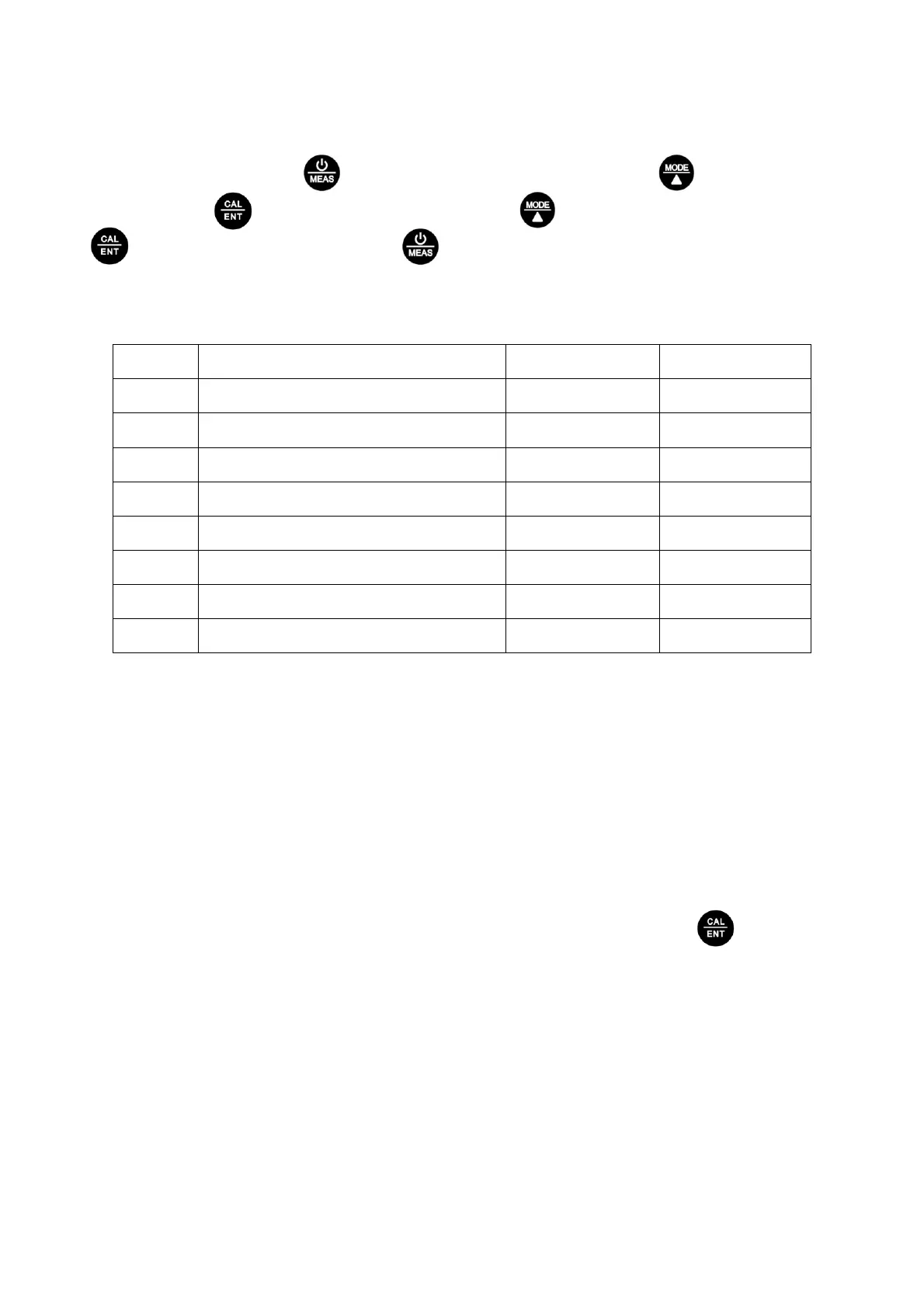
When turned off, long press to enter parameter setting→Short press to switch P1-P2…
P8→Short Press parameter flickering→Short press to choose parameter→Short press
to confirm parameter→Long press to return to measurement mode.
9.2. Setting chart
9.3. Parameter setting instruction
a) Select standard pH buffer solution (P1):
There are two options of standard buffer solutions: USA series and NIST series. Factory default
setting is USA series.
b) Automatic lock (P2):
Select “On” to activate auto lock function. When reading is stable for more than 10 seconds, the
tester will lock the value automatically, and HOLD icon will display on LCD. Press key to
cancel automatic hold.
c) Backlight (P3):
“Off”-turn off backlight, “On”-turn on backlight, 1- backlight will last for 1 minute.
d) Temperature compensation factor (P4):
Adjust temperature compensation factor between 0.00~4.00%. Factory default setting is 2.00%.
Details refer to clause 8.3.
Parameter Setting Contents
Select pH buffer standards
Temperature compensation factor
Restore to factory default



 To Next Page