Photo & Video Playback 33
Using the Playback Menu
English
Rotate
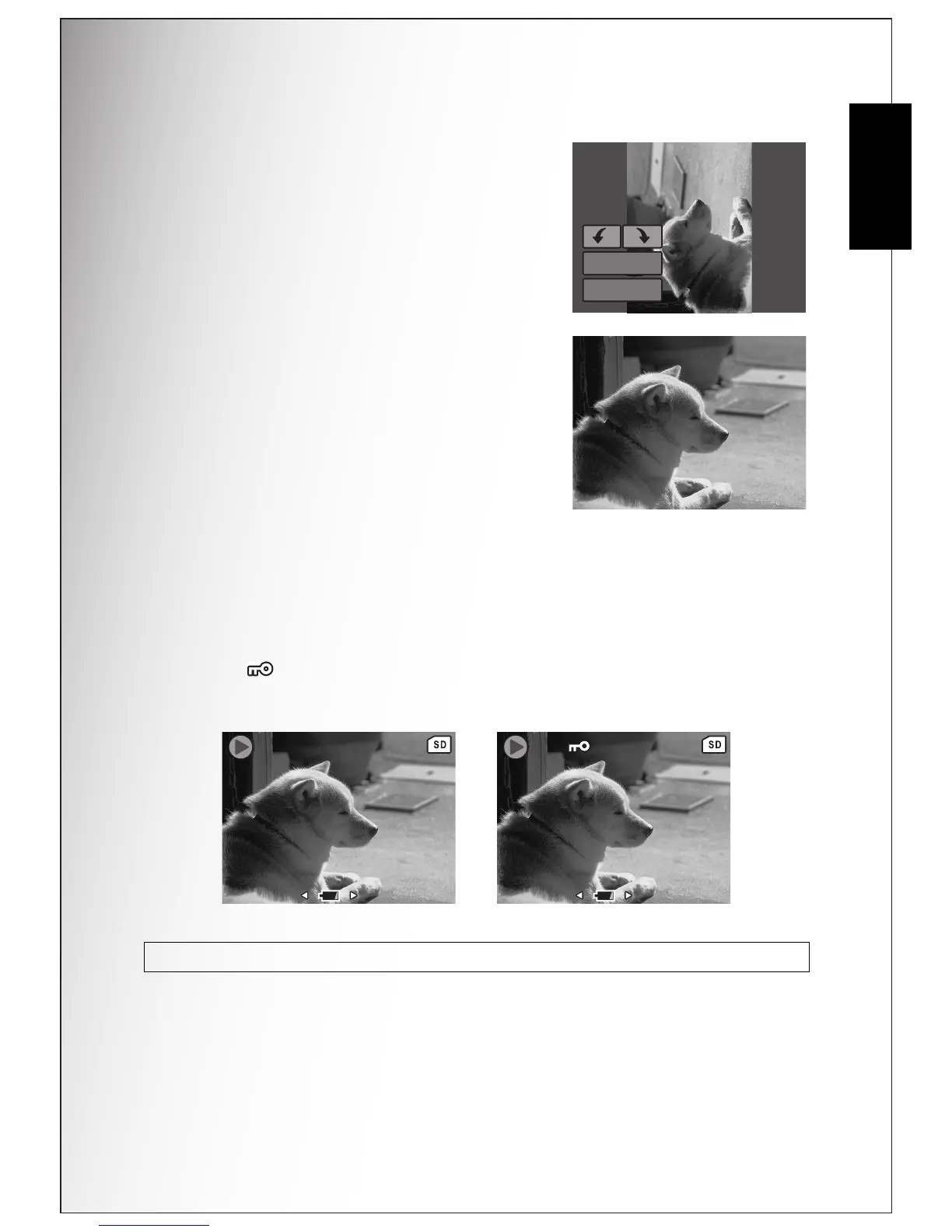
The Rotate function allows you to change the
orientation of a saved photo.
To rotate an image:
1. Press the MENU button to select Rotate from
the menu. Press the OK button to confirm.
2. Press the Left/Right navigation buttons and
the OK button to rotate the select image.
• OK: Select to rotate the image.
• Exit: Select to exit to the main menu without
saving the changes.
Protect
You can lock a photo or video to protect it from being accidentally erased.
To lock a photo or video:
1. Press the MENU button to select Protect from the menu.
2. Press the OK button to confirm.
3. A key icon displays at the top of the screen to indicate the photo/video is
now locked.
Note: To unlock a photo or video, perform the steps 1 and 2 again.
OK
EXIT
1/140












 To Next Page