NAS-20 Quick Installation Guide
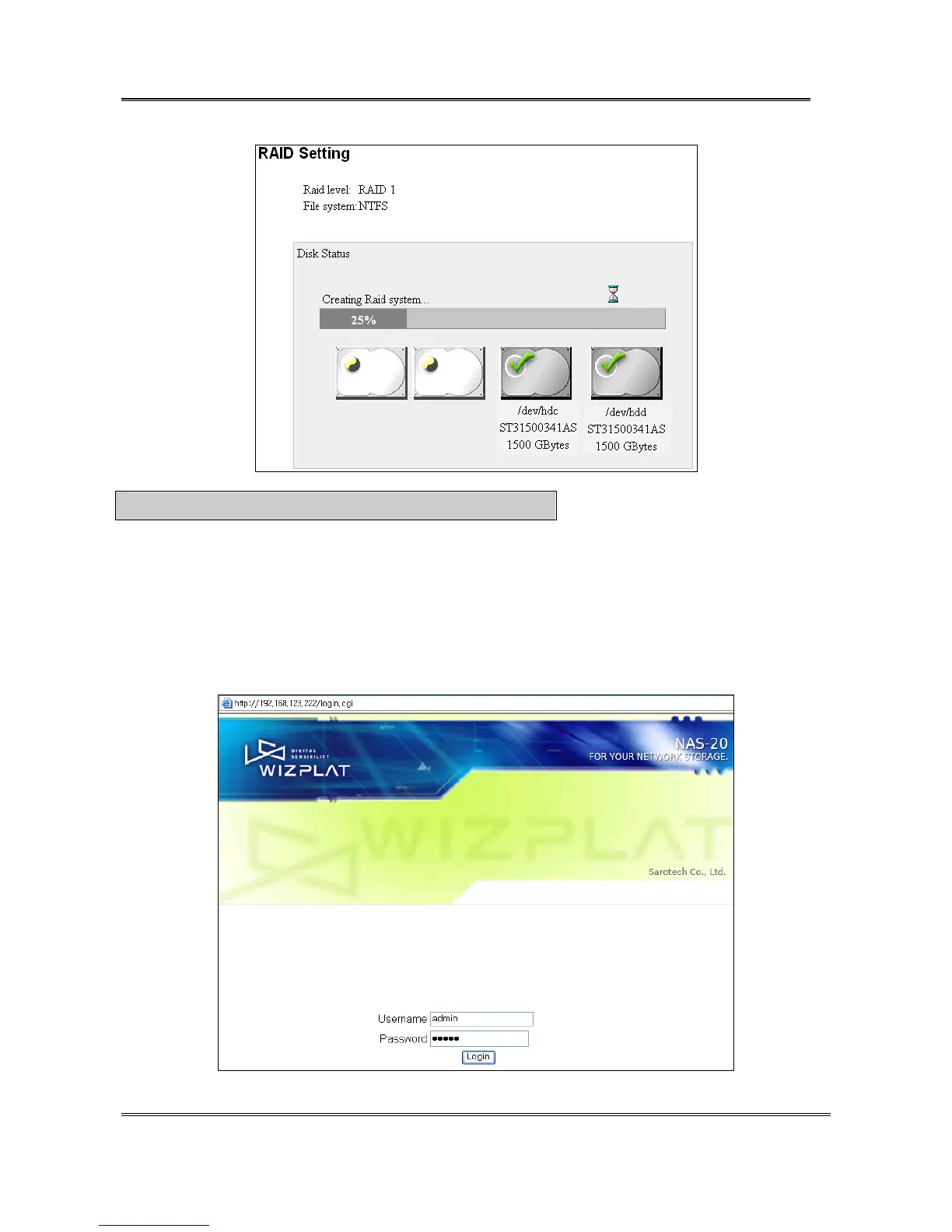
C※ aution : NEVER turn off the web-browser and PC while installing.
4. System setting
1) A .When the boot process is completed, [READY] LED will turn on or blink.
B. Run “Sarotech NAS Navigator”(Run [Start->All Programs->Sarotech NAS Navigator-> Sarotech NAS
Navigator] ). You can find your NAS.
C. Click the [Web Admin] button on your NAS in the program. You can find the login web page.
D. Enter “admin” as User name and Password on log-in window and click [Login].
(For firmware version 2.1 or
higher, the password of admin is “nas”.)
Sarotech Co., Ltd.
- 5 -


 To Next Page