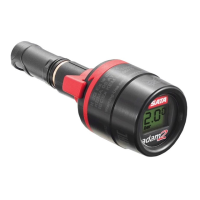
<< Operating Instructions SATA adam 2 >>
EN
VII.8
<< Operating Instructions SATA adam 2 >>
10. Troubleshooting
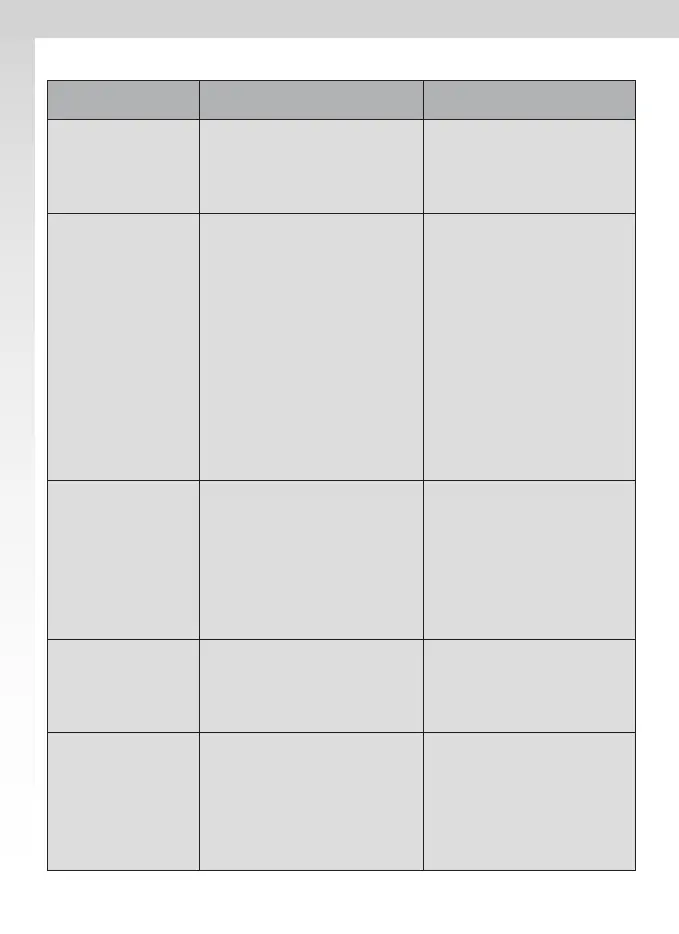
Malfunction Cause Corrective action
No pressure is
displayed.
• Display has not prop-
erly snapped into the
SATA adam 2 dock
• Battery is empty
• Slide in the display
until it snaps home,
chapter 7.1
• Replace the battery
Display cannot
be removed at
all or only with
difculty.
• Regulation wing is not
in horizontal centre
position
• Slide-in groove is
clogged.
• Locking clip has not
snapped in.
• Special O-ring [1-6] is
swollen due to soaking
in solvent.
• Place regulation wing
in horizontal centre
position, chapter 7.1
• Clean the slide-in
groove.
• Press in the locking
clip, chapter 7.1
• Avoid soaking in sol-
vent, chapter 8
Air leaks be-
tween display
and connection
module SATA
adam 2 dock
/ adam 2 mini
dock
O-Ring beneath the lock-
ing clip is missing or dam-
aged.
Replace the O-ring,
chapter 9
Air leaks from
the ball valve [1-
8] (when using
without display)
Ball valve is clogged Clean ball valve, chap-
ter 8
Display does not
snap-in
• Locking clip is dam-
aged.
• Slide-in groove of the
SATA adam 2 dock is
clogged or damaged
• Replace locking clip,
chapter 9
• Clean the groove
or replace the dock,
respectively
EN-SATA adam 2.indd 8 01.12.2010 08:09:15


 To Next Page
 Loading...