22
System description and installation
CA-64 SATEL
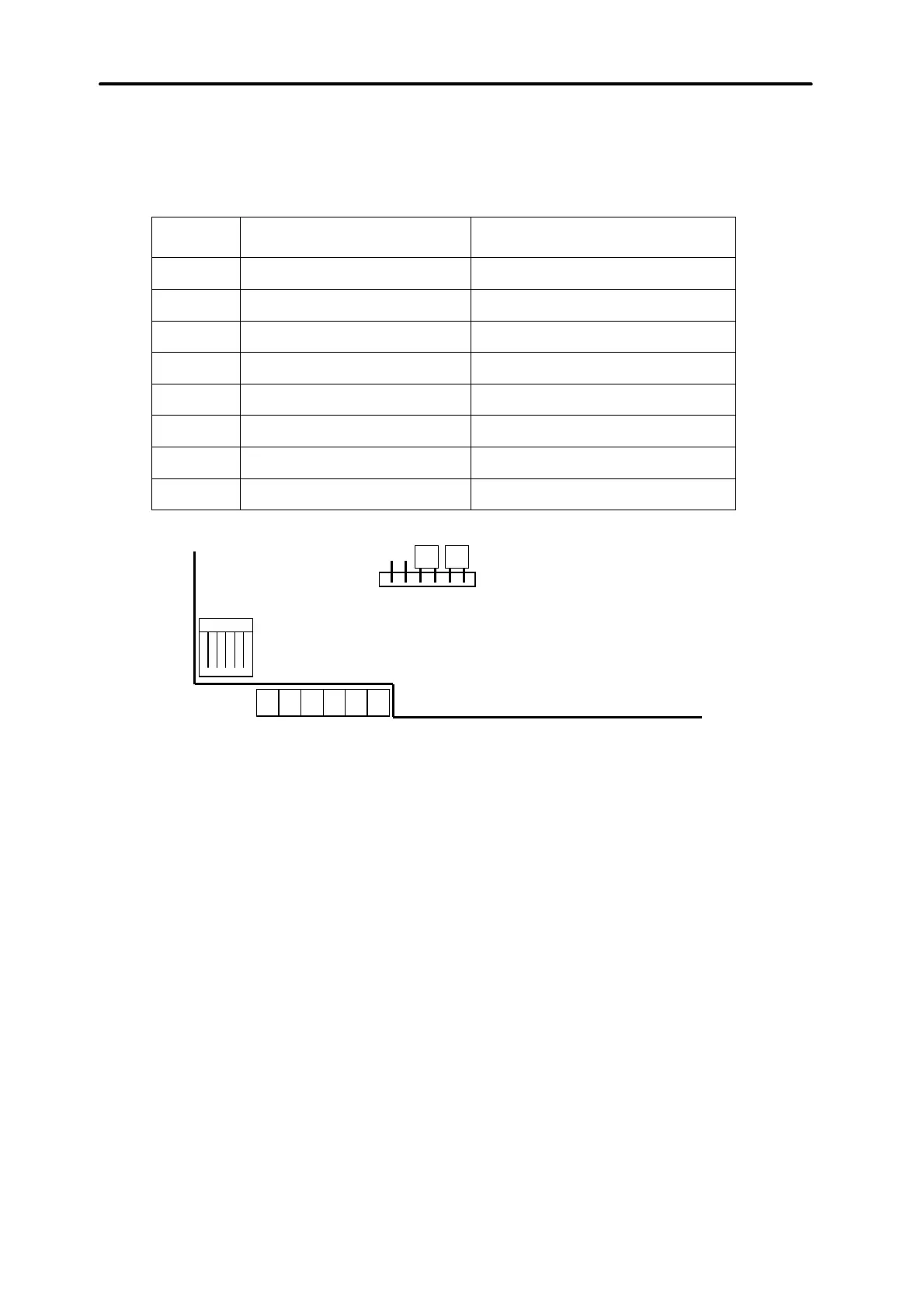
The control panel identifies the keypads tracking addresses set by means of jumpers
at the keypad board. The addresses must be unique! A keypad address also
determines the numbers of keypad watching zones Z1 and Z2. These zones are
operated by the control panel in the same way as main board zones.
Address
Positions of jumpers ABC
Numbers of Z1 and Z2 zones
0
49 and 50
1
:
51 and 52
2
:
53 and 54
3
::
55 and 56
4
:
57 and 58
5
::
59 and 60
6
::
61 and 62
7
:::
63 and 64
address = 6
RS-232
LCD Keypad
Fig. 13. Positions of jumpers for determining the address and description of keypad
terminal.
NOTE:
If zone expanders are included in the system (more than 4 expanders), and
their zone numbers are the same as the numbers of keypad zones, when
programming the control panel, specify whether the detector is connected to
the keypad zone or to the expander zone
Correctly connected keypad reports its restart, and a date and clock appears on its
display; when wiring is incorrect, the message “No communication with control panel”
is displayed.
System control is possible after the service function
Identification of keypads
is
performed. This function checks to which addresses keypads are connected and
registers them in the system. Disconnection of a keypad registered in the system
causes tampering alarm. Any commands from a keypad not registered by the control
panel are rejected (the message “Keypad is not serviced” appears at the keypad
display).
The LCD keypad port RS-232 is designed for connection of a user’s computer. It
operates with the Guard64 program that allows system control by means of a
computer (virtual keypad, users authorisation edition) and supervision (plan of the
object showing statuses of partitions and detectors, viewing events memory).
Connection to the computer is permanent, made using an ordinary, non-screened
cable. For a typical DY8x0,5 cable, the distance between the computer and the



 To Next Page