Eyr GNSS RTK System User Manual
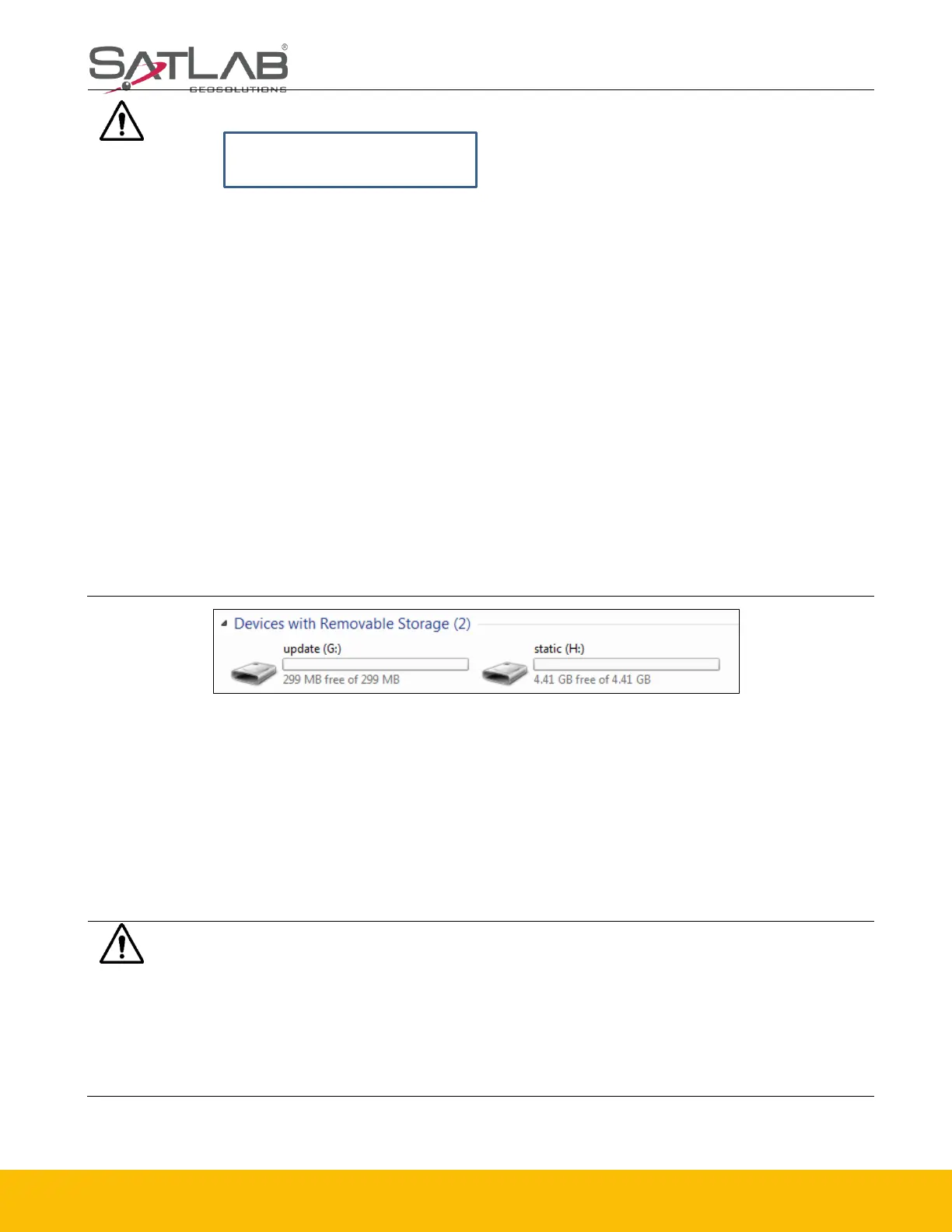
Figure 2-6-1 Update Drive.
2.6.2 Upgrade by Using the Web Management System
Copy the firmware to the controller or phone and use Wi-Fi to connect it to the receiver. The
name of the Wi-Fi is the device’s S/N. Now, input 192.168.20.1 to log in, click Firmware upgrade
- Select - File to choose the firmware, and then click start to upgrade it.
Notice: Don’t move the tripod or change the collecting set while the receiver is
collecting data.
1. Make sure the actual pole height is consistent with the set pole height before the
tilt survey.
2. When turning on the Tilt Survey switch, you will need the initialization operation
before normal use.
3. To meet most the users’ operational needs, the maximum measurement angle of
the tilt survey is 70°.
4. To ensure the measurement accuracy, do not turn the device quickly during the
measurement process.
5. The data quality is not good in the occluded environment. If the accuracy
requirements are high, please try to use this function in an open environment.
6. When you enter the tilt survey for the first time every 7 days, you need to
complete the static calibration according to the prompts. Just let the device stand
for about 10s to complete this.
Notice:
1. When the download fails, it will resume downloading if the network recovers
within two minutes; otherwise, it will exit the firmware upgrade detection.
2. It will not forcibly power-off during the upgrade. If the power is forcibly cut off,
the instrument may be damaged and become abnormal..



 To Next Page