Digital Satellite Finder
11
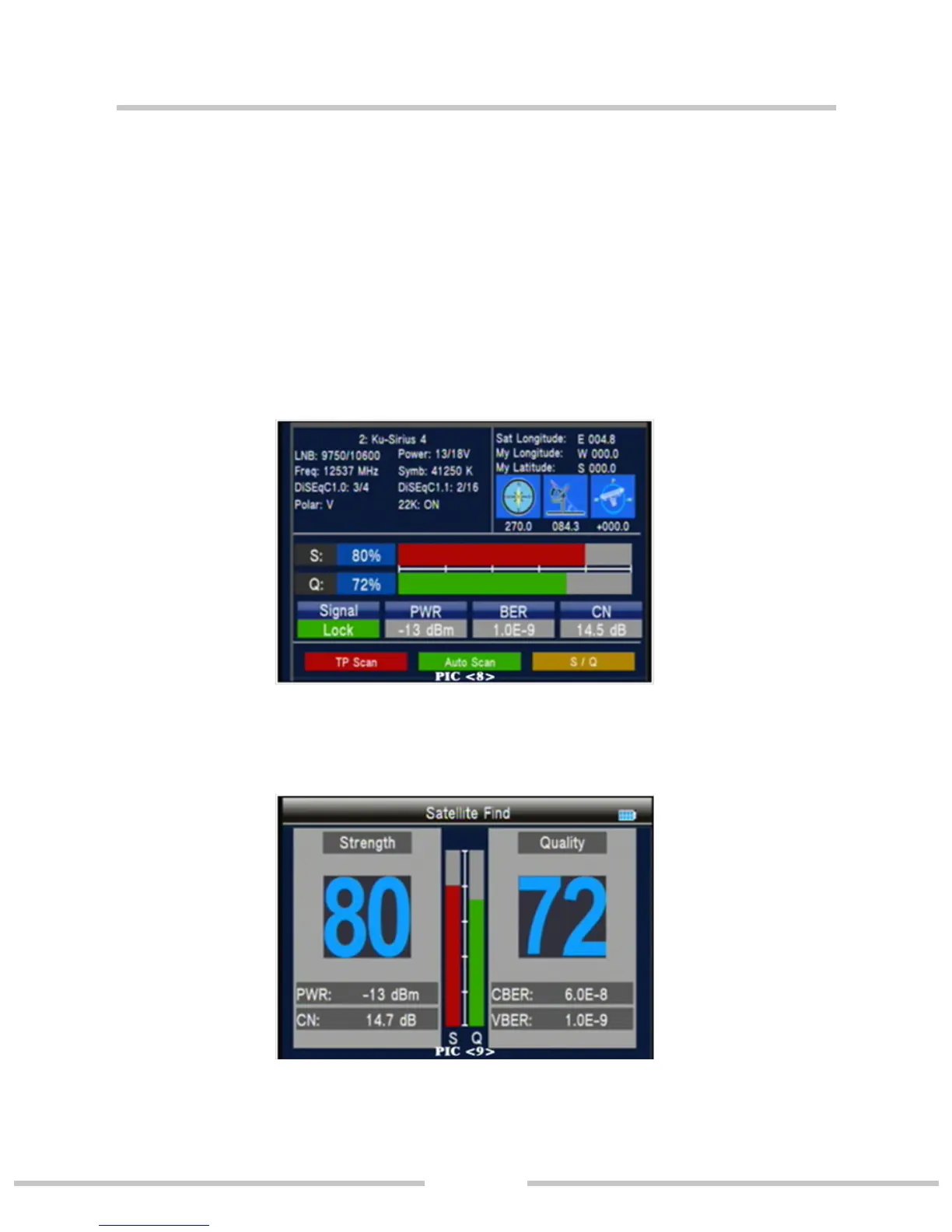
3.1.0.1 Quick Search (PIC 8)
In the satellite Find interface,pressing OK key will into the
quick search.
If you set the local Longitude and Latitude Under the system
setting, the angle of LNB, theorientation and elevation of an-
tenna, all will be display on the screen.
g S/Q: Press the orange key to enlarge showing of the signal
strength and quality.(PIC 9)


 To Next Page