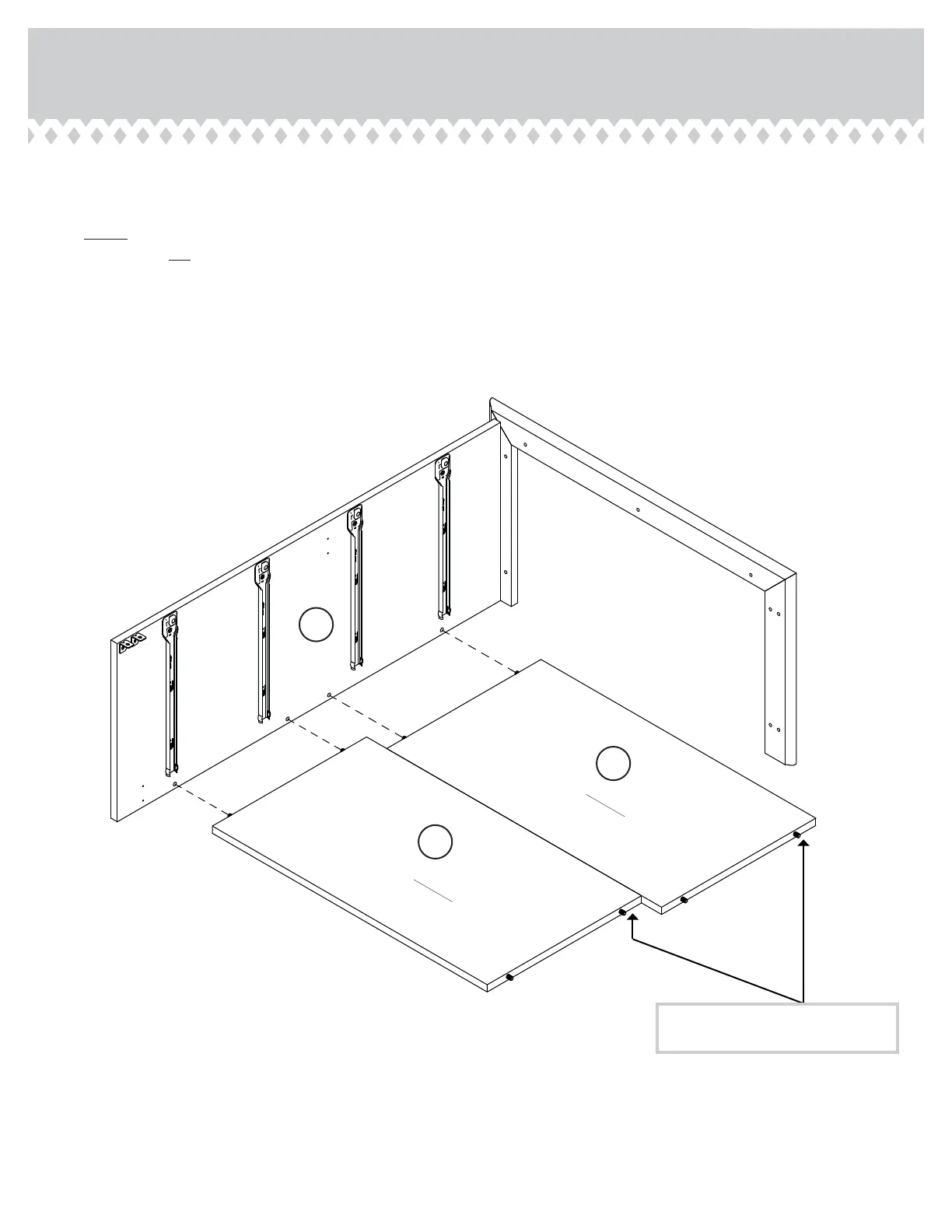
Step 5
401291 www.sauder.com/servicesPae 10
B2
XX
XX
å
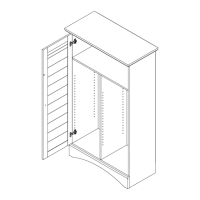
Insert the CAM DOWELS in the BACKS (XX) into the
holes in the LEFT END (B2).
å
NOTE: Be sure to position the BACKS as shown in the
diaram. Do not tihten the HIDDEN CAMS at this time.
Surface without
HIDDEN CAMS
Surface without
HIDDEN CAMS
The holes on the other surface of
the BACK should be positioned here.




 To Next Page