www.sauder.com/services
14
412314
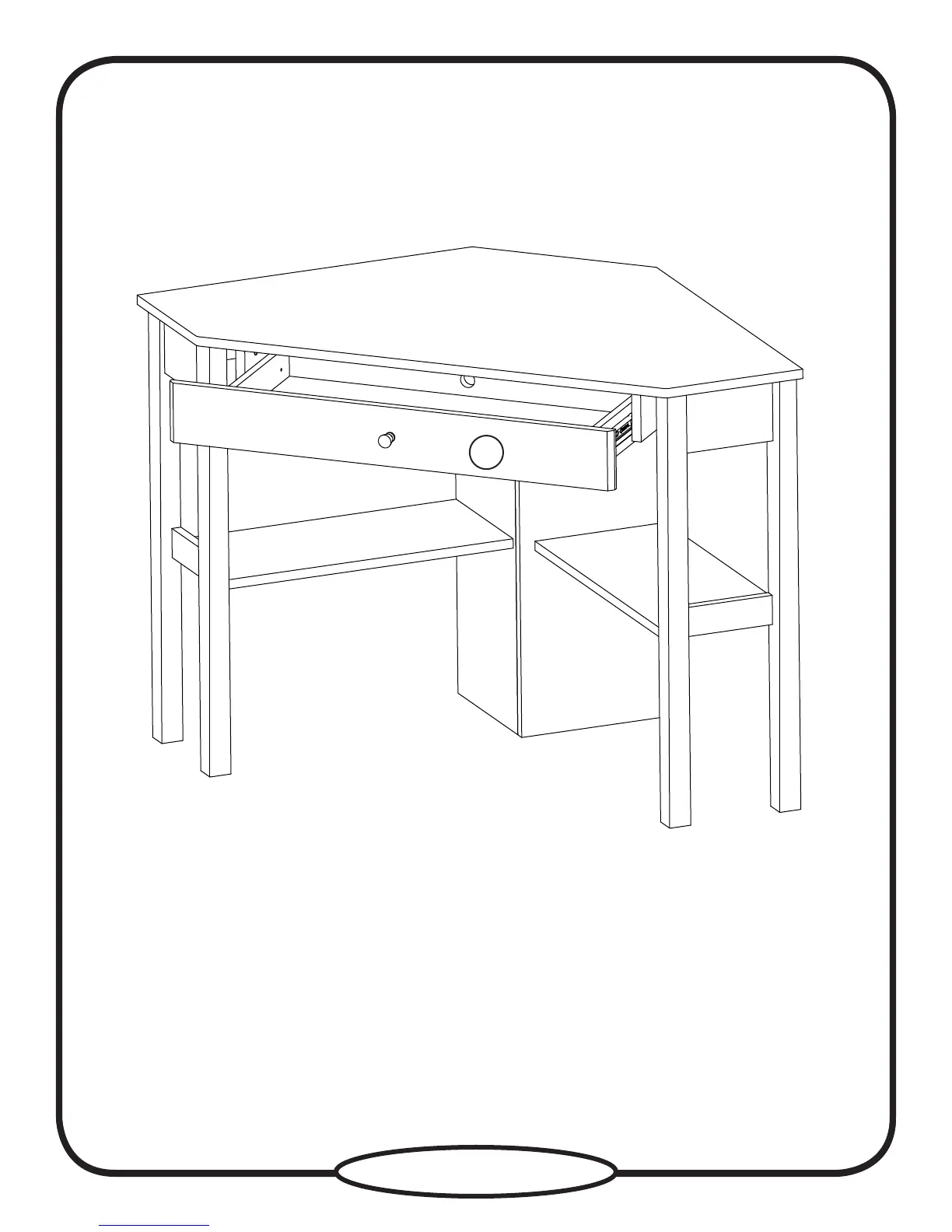
Carefully stand your unit upright.
To insert the keyboard shelf into your unit, tip the front of the shelf down and drop the rollers on the shelf behind the rollers
on the unit. Lift the front of the shelf up and slide it into the unit.
To make adjustments to the KEYBOARD FRONT (K), loosen the SCREWS in the HINGES, make needed adjustments, and
tighten the SCREWS.
K


 To Next Page