Look for this icon. It means a
video assembly tip is available at
www.sauder.com/services/tips
Step 1
å
Assemble your unit on a carpeted fl oor or on the empty
carton to avoid scratchin your unit or the fl oor.
å
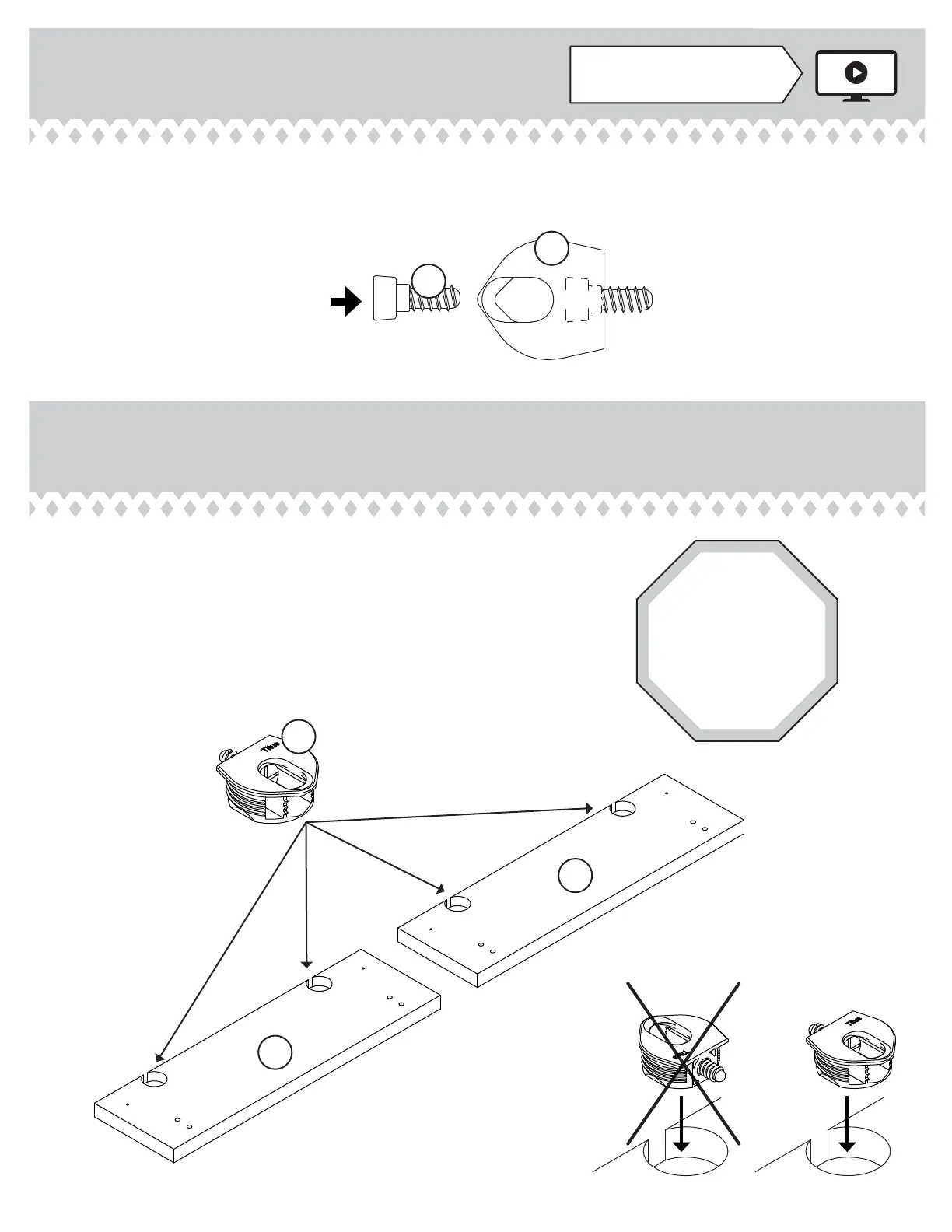
Use your hammer to tap four HIDDEN CONNECTORS (5F)
with SCREWS into the KEYBOARD UPRIGHTS (Q2).
Step 2
å
Insert a CONNECTOR SCREW (8S) into each
HIDDEN CONNECTOR (5F).
8S
5F
5F
STOP
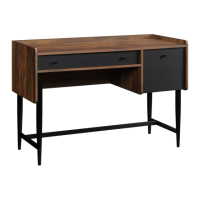
If you purchased
the 420473
Hutch, assemble
that unit fi rst.
Q2
Q2
420474www.sauder.com/services
Pae 7


 To Next Page
 Loading...