SBIG STF-8300 Manual
d. If Windows asks you for the best match select any of the
entries with Version 2.41.0.0 then click Next.
e. Click Finish and then you’ll have to go through steps b
through d one more time for this camera.
f. Repeats steps a through f for each SBIG camera.
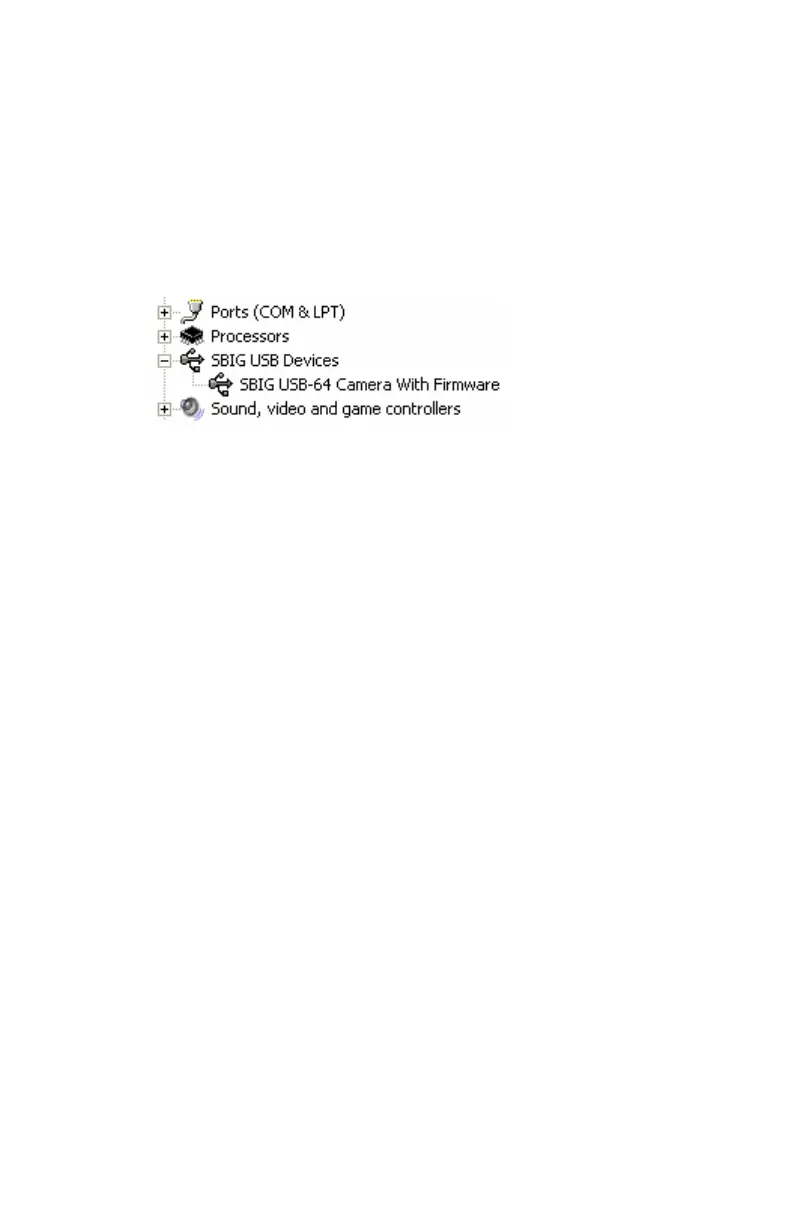
When you’re all done your camera should show up in the Device Manager
in the SBIG USB Devices section as shown below:
Updating CCDOps and Drivers
We are constantly adding new features and fixing software bugs in our
software, which is available for free download from our web site. You
should periodically visit our website to check for updated versions of the
CCDOps software and you should also periodically run the Driver Checker
to download and update your drivers. To find the latest software and
drivers, go to:
http://www.sbig.com -> Support -> Software
9


 To Next Page