26 Kai’s SuperGOO User Guide
2. Place your cursor on the right side of his forehead and push up
and to the right.
BTo nudge an area of your image:
1. Select the Nudge tool.
2. Place your cursor at the center of the right eye and gently push
up.
BTo GOOplicate an area of your image:
1. Select the GOOplicate tool.
2. Place your cursor over the newly GOOed right eye and begin
GOOing
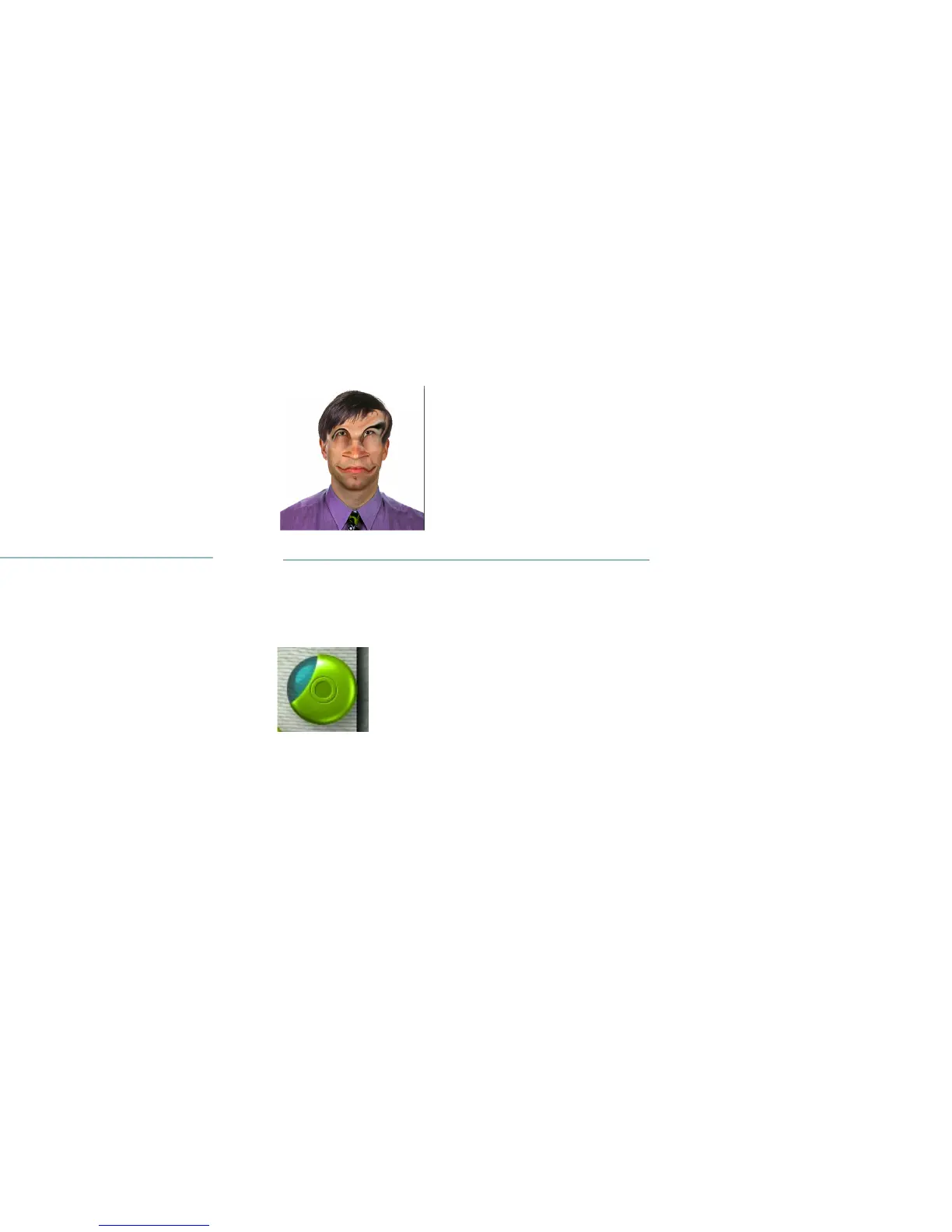
The face after its been smeared.
The Nudge tool.
The eyes after they’ve been nudged.
The GOOplicate tool.



 To Next Page