36 Kai’s SuperGOO User Guide
CUsing the GOO Effects Palette
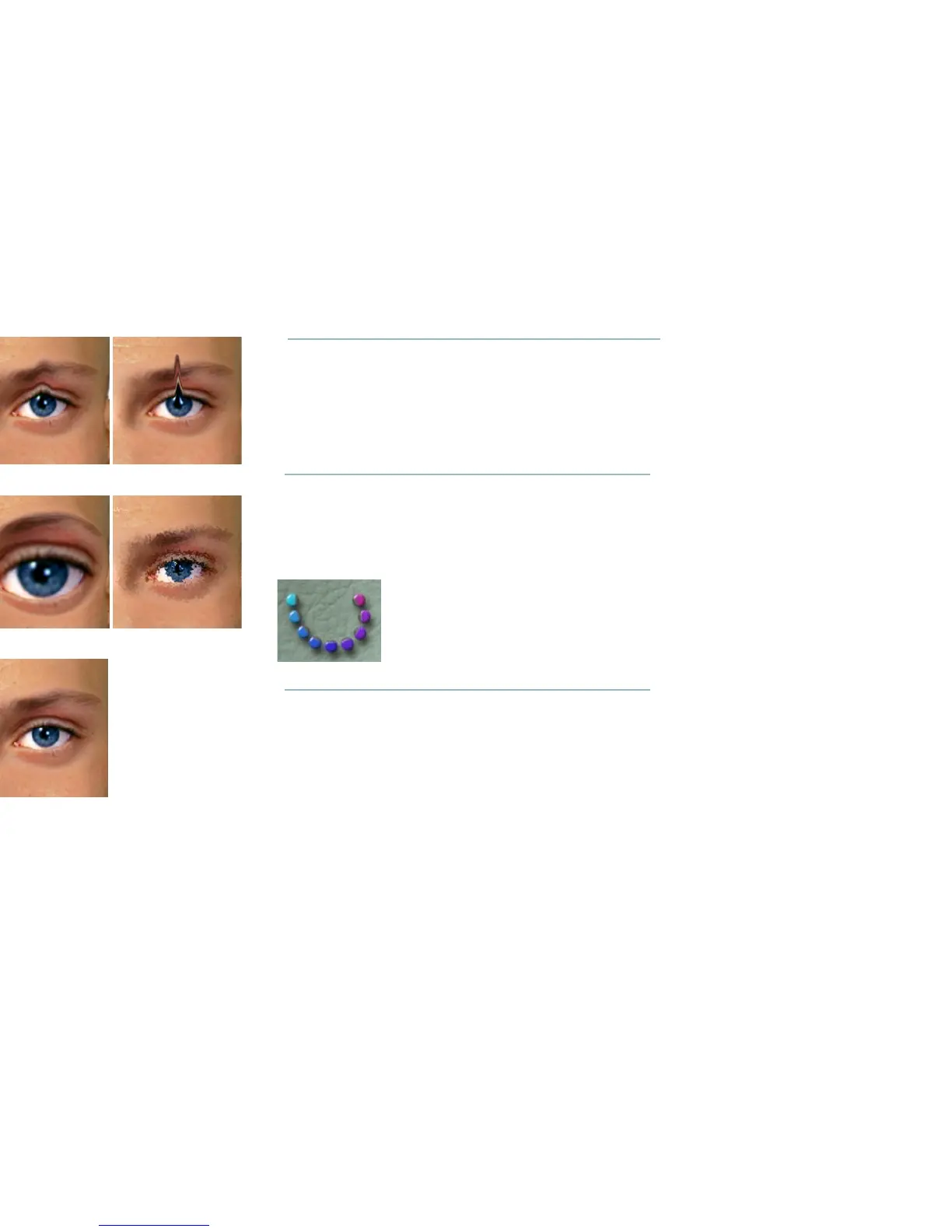
The GOO Effects palette consists of nine different global distortion
effects including: Bulge, Twirl, Rotate, Stretch, Squeeze, Spike, Noise,
and UnWind.
BTo activate the GOO Effects palette:
✤ Click the bottom set of rainbow-colored brush icons. The GOO
Effects palette appears on top of the Image Canvas.
BTo use a GOO Effect:
✤ Click on one of the brush buttons to apply the effect to the entire
image.
Click and drag within your image to apply the effect.
Squeeze
Squeeze pinches your image inward or outward.
Smear
Twirl
GOOplicate
Smudge Nudge
NoiseBulge
UnGOO
The GOO Effects palette icons.



 To Next Page