Combat Mode:
Start by selecting in the main menu « Combat » then select « OK » ;
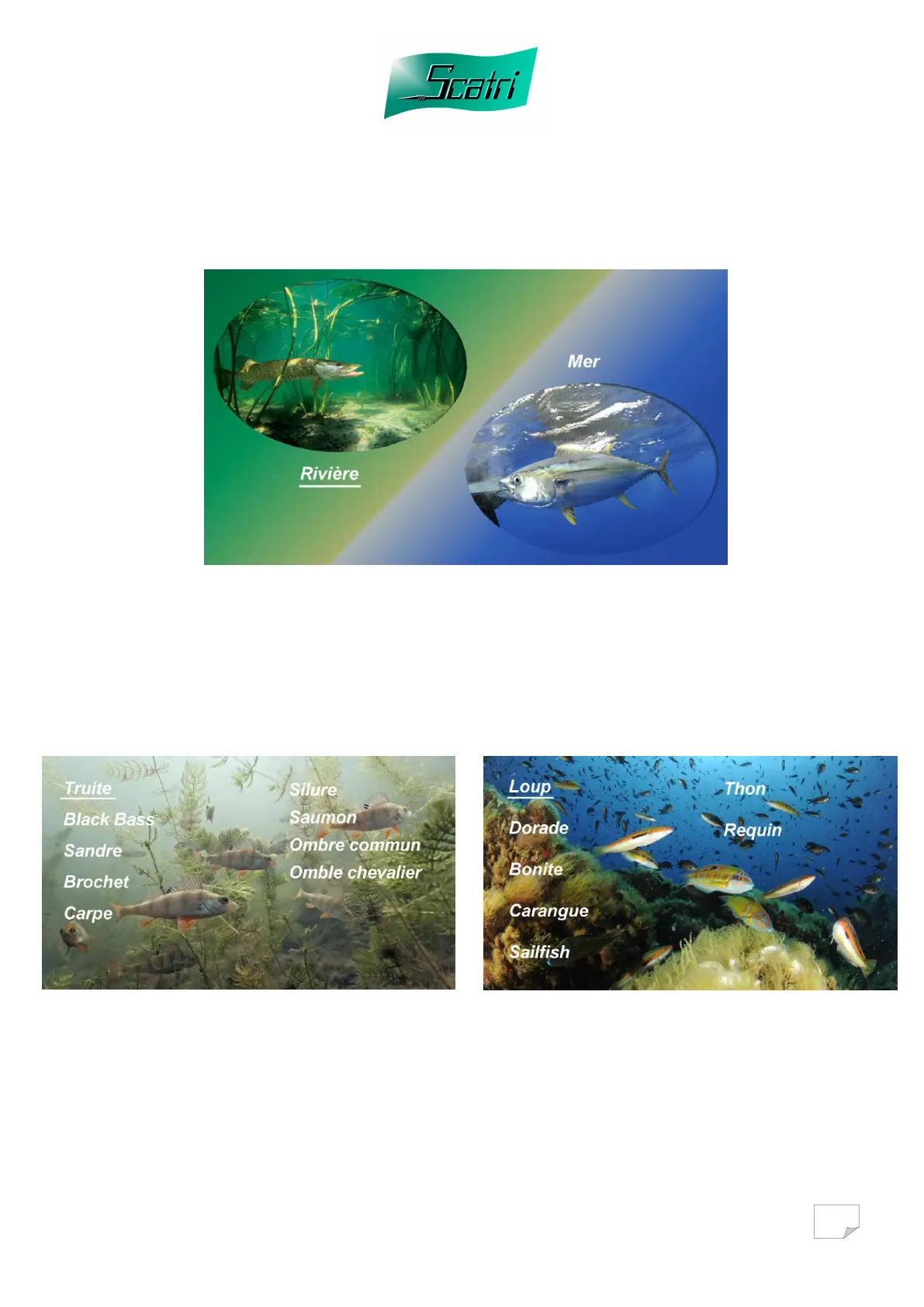
Then the “River/Sea Selection” page is displayed
Select the category you wish to use.
The page corresponding to the choice of fish is displayed.
River choice Sea choice
During the initial start up, you have the possibility of trying all the fish
available. These tests will later allow you to choose the 5 fish offered with the
simulator (see page 16)
Select the fish you wish to simulate, and then press the key « OK » to validate.



 To Next Page