Start up
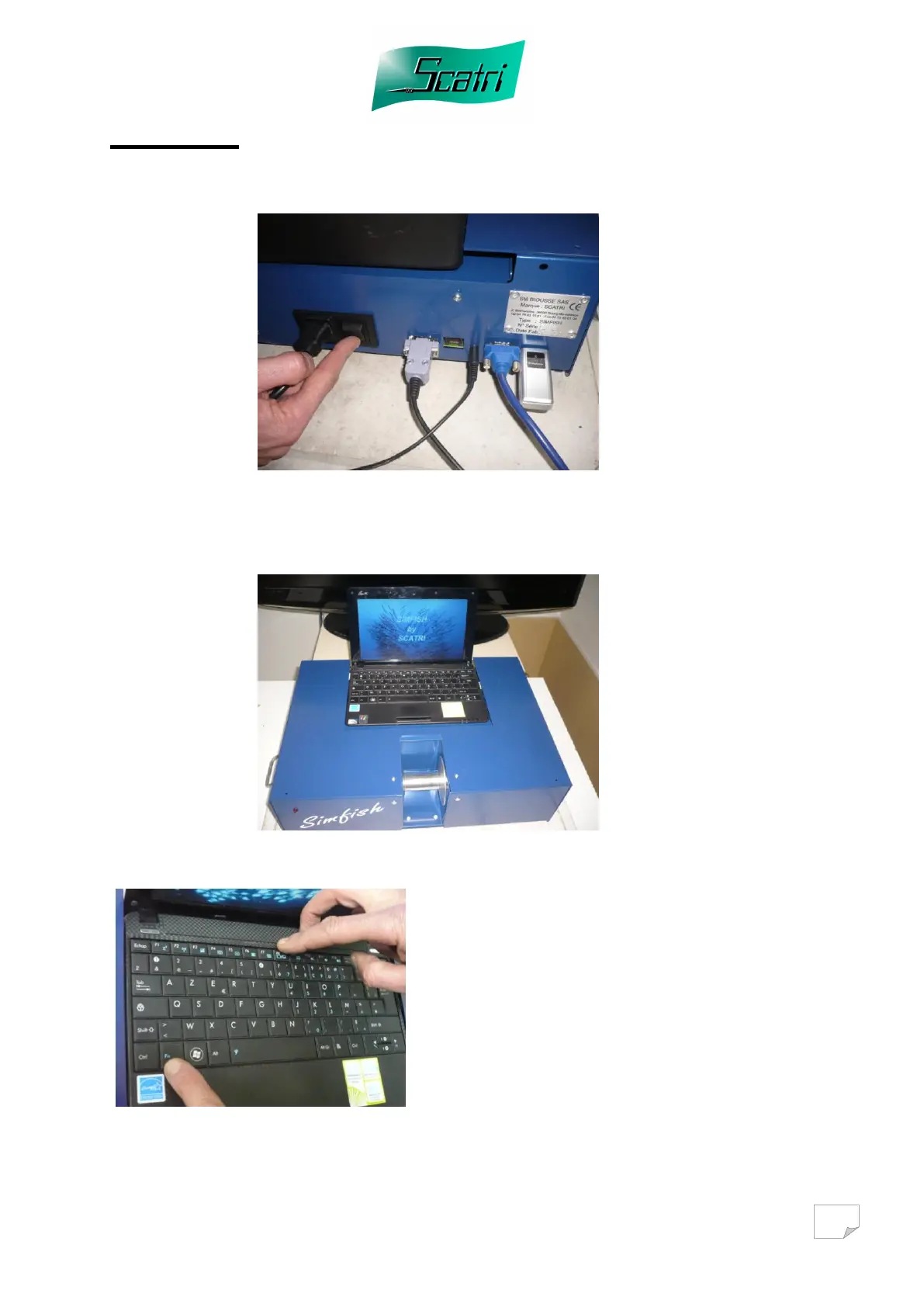
Switch ON the simulator as well as the television.
Then start the computer. The application of the simulator starts automatically.
Transfer of computer pictures to a television:
In order to transfer the computer
picture to the television, press the
« Fn » and « F8 » keys until the
computer screen is blank and the
picture appears on the television
screen. .
Warning: If the computer screen is
active, the video pictures could be
distorted.



 To Next Page