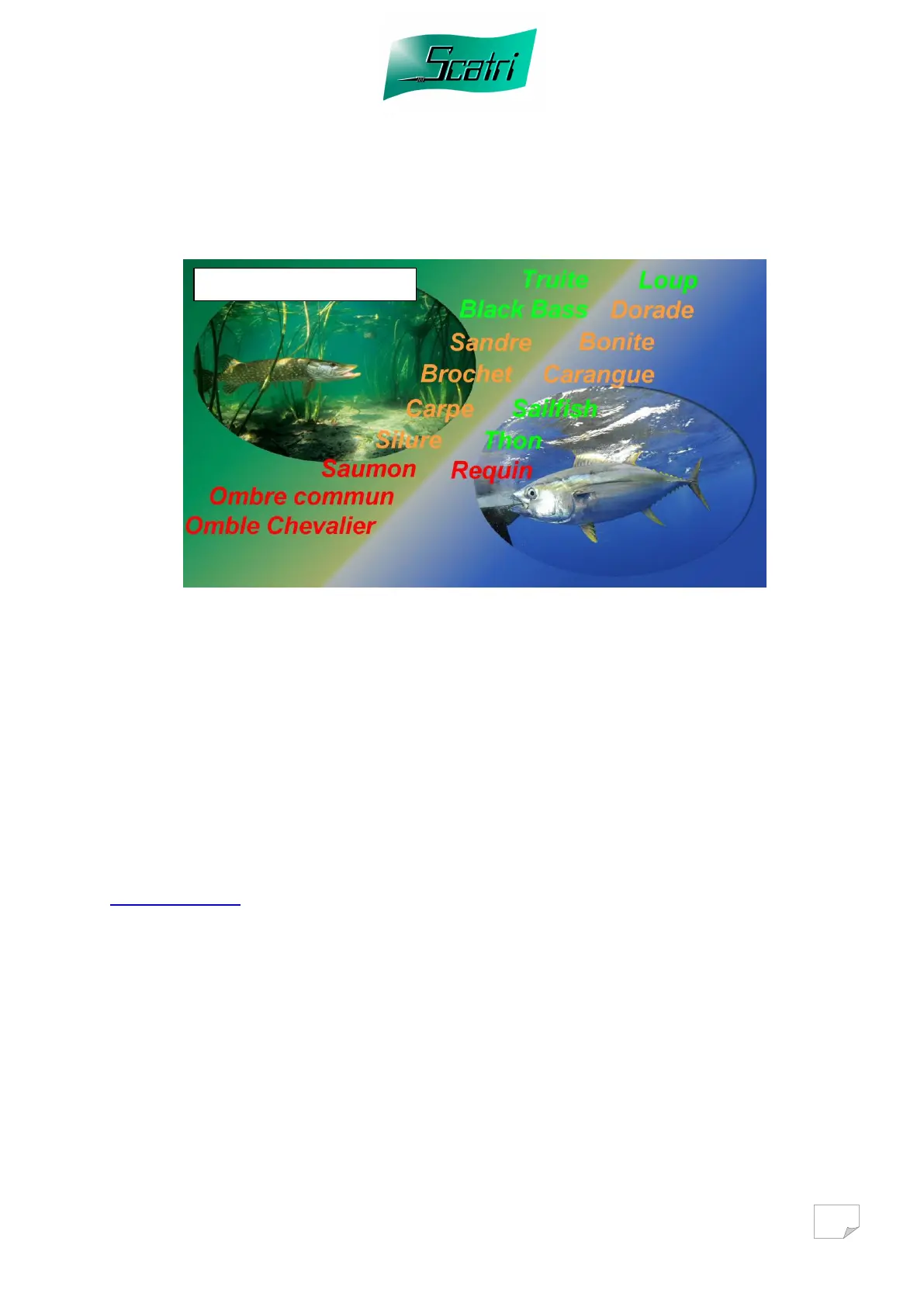
5 Fish Selection mode:
During the initial start up, the simulator offers you 20 combats in the range of all
available fish. At the end of these 20 combats, it will ask you to choose 5 fish. By
means of the cursor, select the fish of your choice and validate with the key «OK».
The fish then changes from orange display to green display. As long as the 5 fish
have not been selected and you have not left this page you have the possibility of
changing one or more fish.
The fish displayed in red cannot be selected because they are not available for the
moment.
You have the possibility of purchasing one or more extra fish on our internet site:
www.scatri.com
A unique code will then be supplied to you, which will allow you to automatically
obtain the selected fish by filling the box « ID ».
Scatri is constantly developing new programs, please do not hesitate to consult our
site to download new features and updates for your simulator.



 To Next Page