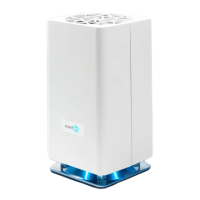
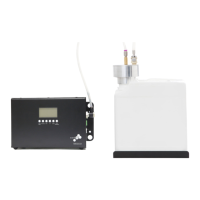
CONNECTING VIA BLUETOOTH
1. Ensure your device is plugged in and powered on.
2. Download the ScentAir app from the Google Play or Apple App store.
• Select the Bluetooth option within the app.
• The app will instantly start scanning for available Bluetooth devices.
• Select your ScentAir Direct.
3. Congratulations! You are now connected to your ScentAir Direct.
BLUETOOTH CONNECTION TIPS
• If you have more than one device, you can know which device you are
connecting to by matching the MAC address listed within the app to the
MAC address printed on your device. Once you pair the App and your
device you can customize the name for easy identification in the future.
• Bluetooth is a close proximity technology. It is recommended you be no
further than 15 feet away from your device when trying to operate it using
Bluetooth.


 To Next Page