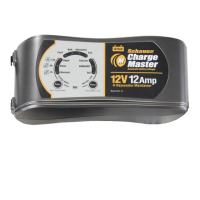
1. Press to select the charge rate
Maintenance charge mode is selected
Silent charge mode is selected
Rapid charge mode is selected
Short circuit / Reverse polarity or Rejuvenation failed if Bulk LED also
flashing fast
Over temperature protection mode / Soft start charging timed out if Blue
bulk LED also flashing fast / Bulk charging LED timed out if Blue Bulk LED
also ON
Fast Flash – Rejuvenation / Slow Flash – Soft start charging
Flashing indicates Equalization charge or ON indicates Absorption
charging
Flashing if Analysis failed or ON if fully charged – Float / Maintenance
mode
Calcium battery type is selected
AGM or WET battery type is selected
GEL battery type is selected
12. Press to select the Battery type
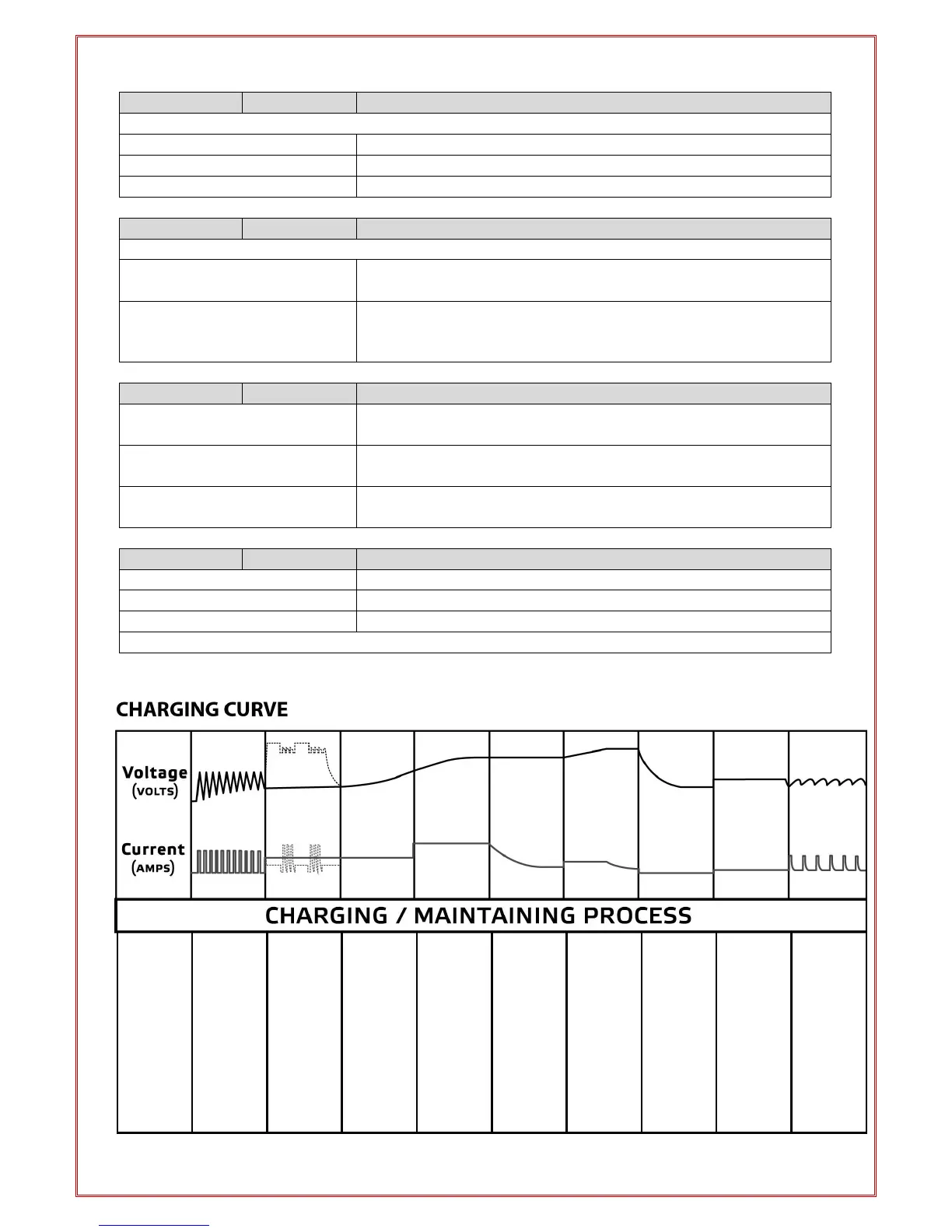
QUALIFICATION
Checks
battery
condition to
determine
whether the
rejuvenation
stage or
charge
cycle is
required.
REJUVENATION
Automatic
stage for
batteries in
poor
condition.
Breaks
down
sulphation
using new
patented
technology.
SOFT START
Increases
your battery
life by gently
starting to
charge the
battery until
the battery
reaches a
set voltage.
BULK CHARGE
Reduces
charging
time by
delivering
maximum
charge until
the battery
reaches a
set voltage.
ABSORPTION
Uses
constant
voltage and
ensures the
battery
receives a
full charge
without
overchargin
g the
battery.
EQUALISATION
Restores full
capacity to
batteries by
removing
acid
stratification.
ANALYSIS
Checks the
battery
condition to
ensure it is
fully
charged.
FLOAT
Maintains
the battery
at 100%
charge.
MAINTENANCE
Special
pulse
charge for
long-term
maintenanc
e to ensure
the battery
is in optimal
condition.


 To Next Page