12
MESH INTERCOM™
When Mesh Intercom is enabled, the SC2 will
automatically connect to nearby all other Mesh users
and allow them to talk to each other by pressing the
Mesh Intercom Button.
Note: If the SC2 communication system is
installed on full Carbon helmets, the maximum
range of communication is limited to 400 meters
in open terrain without obstacles, due to the
electromagnetic interference shielding properties of
the carbon fiber.
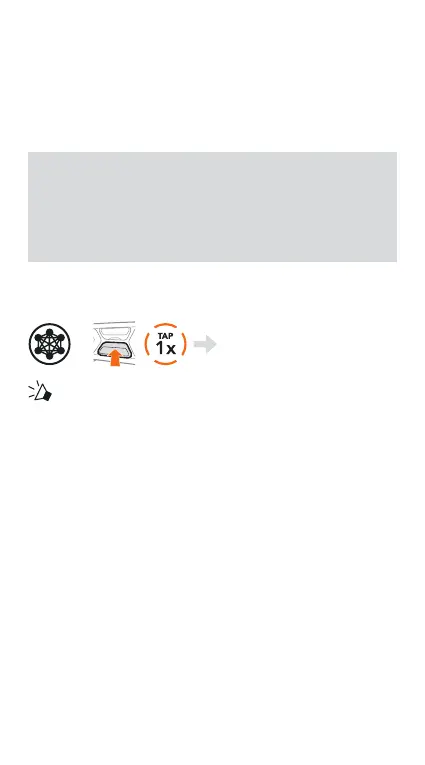
Mesh Intercom On & Off
=
“ Mesh intercom on,
Open Mesh, Channel 1”
or
“Mesh intercom o”
OPEN MESH™
When Mesh Intercom is enabled, the headset will be
in Open Mesh (default: channel 1) initially. Users can
freely communicate with each other in the same Open
Mesh channel.


 To Next Page