8
ICON LEGEND
=
/
Function
=
Button(s) to tap the specified number of
times or press and hold for the specified
amount of time.
“Hello”
Audible prompt
SC2
Powering On & Off
=
“Hello”
or
“Good Bye”
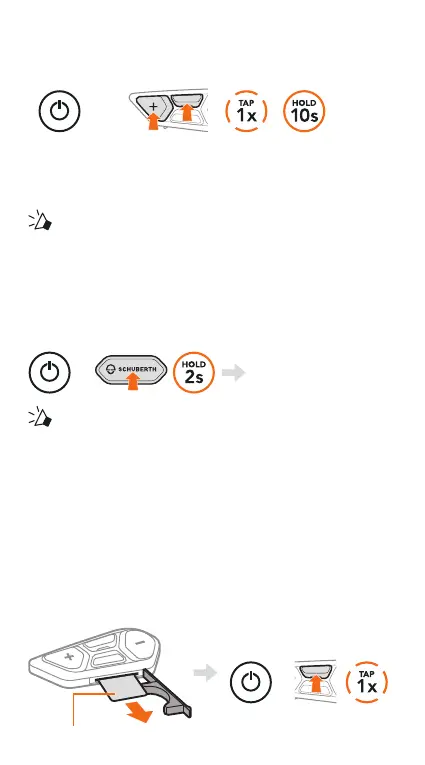
To switch off the SC2, hold the Multi-function Button
for 2 seconds until you hear the double beep.
The remote control switches to sleep mode when you
switch off the SC2.
To wake up the remote control after starting the SC2,
tap (+) Button on the remote control.
SC2 REMOTE CONTROL
Plastic Strip
Powering On
=


 To Next Page