Page 15
>>
OPERATION
Recommended meat probe
temperature settings.
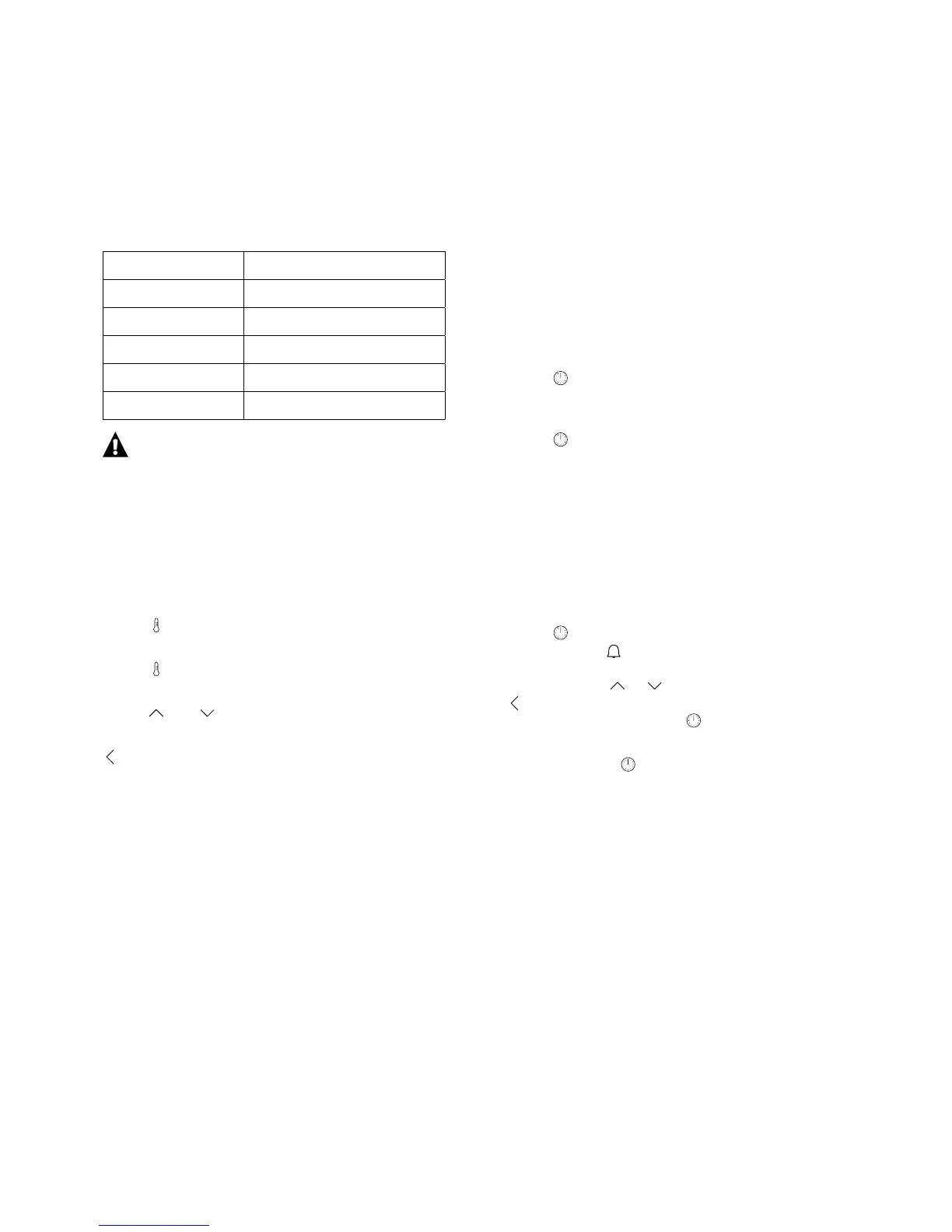
Type of meat Temperature (°C)
Pork 85 - 90
Beef 80 - 85
Veal 75 - 80
Lamb 80 - 85
Venison 80 - 85
IMPORTANT
Only use the meat probe recommended for
this oven.
Adjusting the temperature during
oven operation.
During operation oven cavity temperature and
meat probe temperature (if used) are displayed.
Touch once to display oven cavity temperature
and meat probe temperature.
Touch
again to set meat probe temperature (if equipped).
Touch and to adjust temperature.
Touch OK to store the set temperature or touch
to abort and leave the previously set temperature.
SETTING TIMER
You can set the timer to control the oven and turn it
ON/OFF
function is selected. By default currently selected
function and temperature are displayed. A new
function and temperature selection can be selected
TIMER
Touch
to access timer settings. The timer is not
You can set DURATION or and DURATION.
Touch to set
END TIME.
KITCHEN TIMER
The KITCHEN TIMER counts the time down.
When the countdown is completed
is heard. The KITCHEN TIMER
runs independently of other functions. Using the
KITCHEN TIMER during a preset programme does
Touch
to set the KITCHEN TIMER. The KITCHEN
TIMER symbol
current time, 0:00 is shown (or the previous timer
setting). Touch or to adjust settings. Touch
or do nothing for 5 seconds to abort and keep
previous settings or touch
the settings.
When you touch , the KITCHEN TIMER indicator is
shown, but the display returns to the current time.
Touch any sensor to reset the timer alarm.
You can set the timer for a maximum of 2 hours.
...................................................................................................................................................................................
...................................................................................................................................................................................


 To Next Page